Quick Start
Get up and running with FaustBot in just a few minutes. By the end of this guide, you'll have created your first automated action.
Overview
FaustBot automates your stream using Actions and Triggers. Here's how they work together:
Triggers
Events that start an action (follows, subs, chat commands, etc.)
Actions
What happens when triggered (send message, play sound, change scene, etc.)
Let's create a simple action that welcomes new followers to your stream.
Connect a Platform
First, connect your streaming platform so FaustBot can interact with your chat and events.
Open Platform Settings
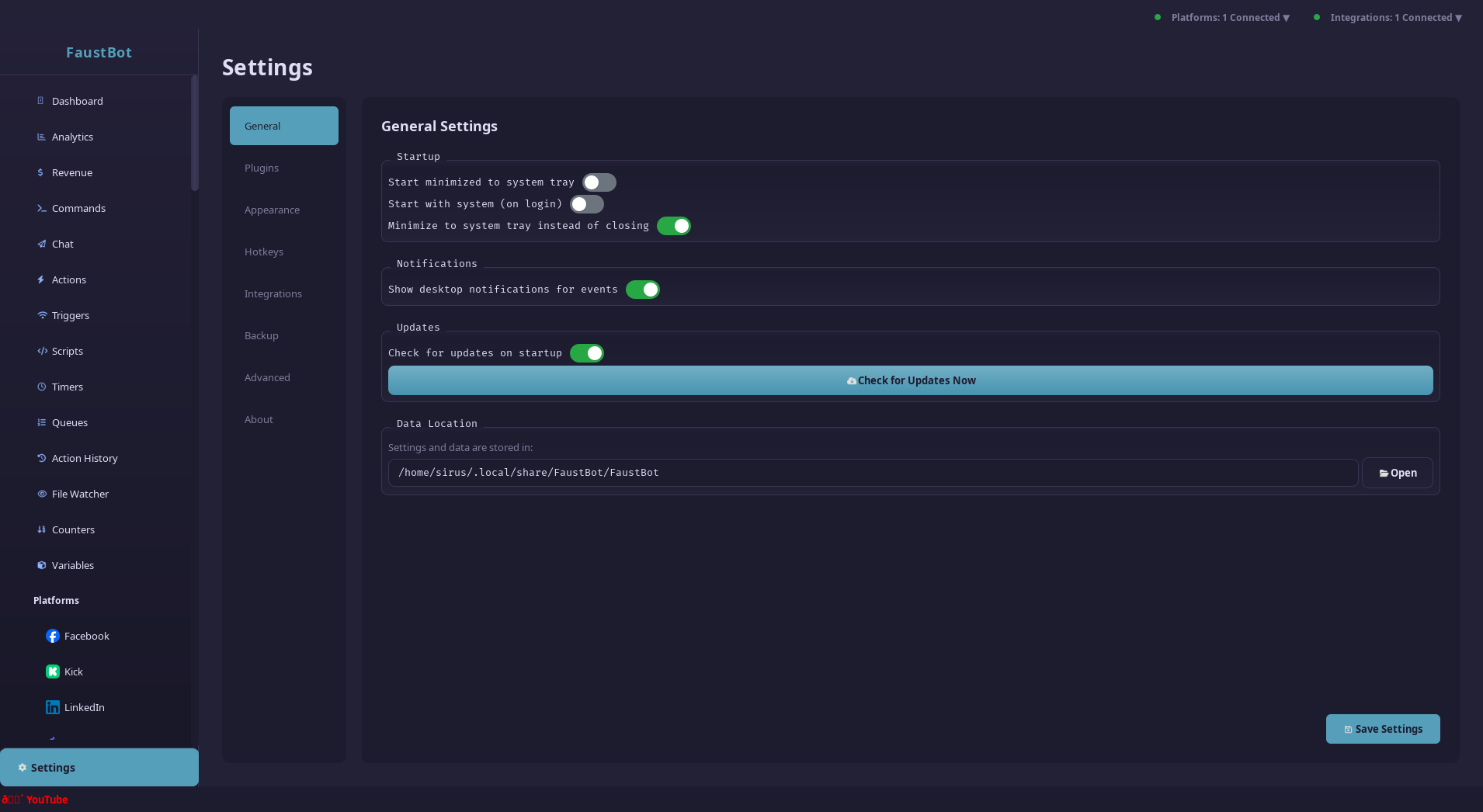
Click on Twitch (or your platform) in the sidebar.
Authenticate
Click Connect Account and log in with your streaming account. Grant the requested permissions to allow FaustBot to read chat and events.
Verify Connection
You should see a green "Connected" status. FaustBot is now listening to your stream events.
Create Your First Action
Go to Actions
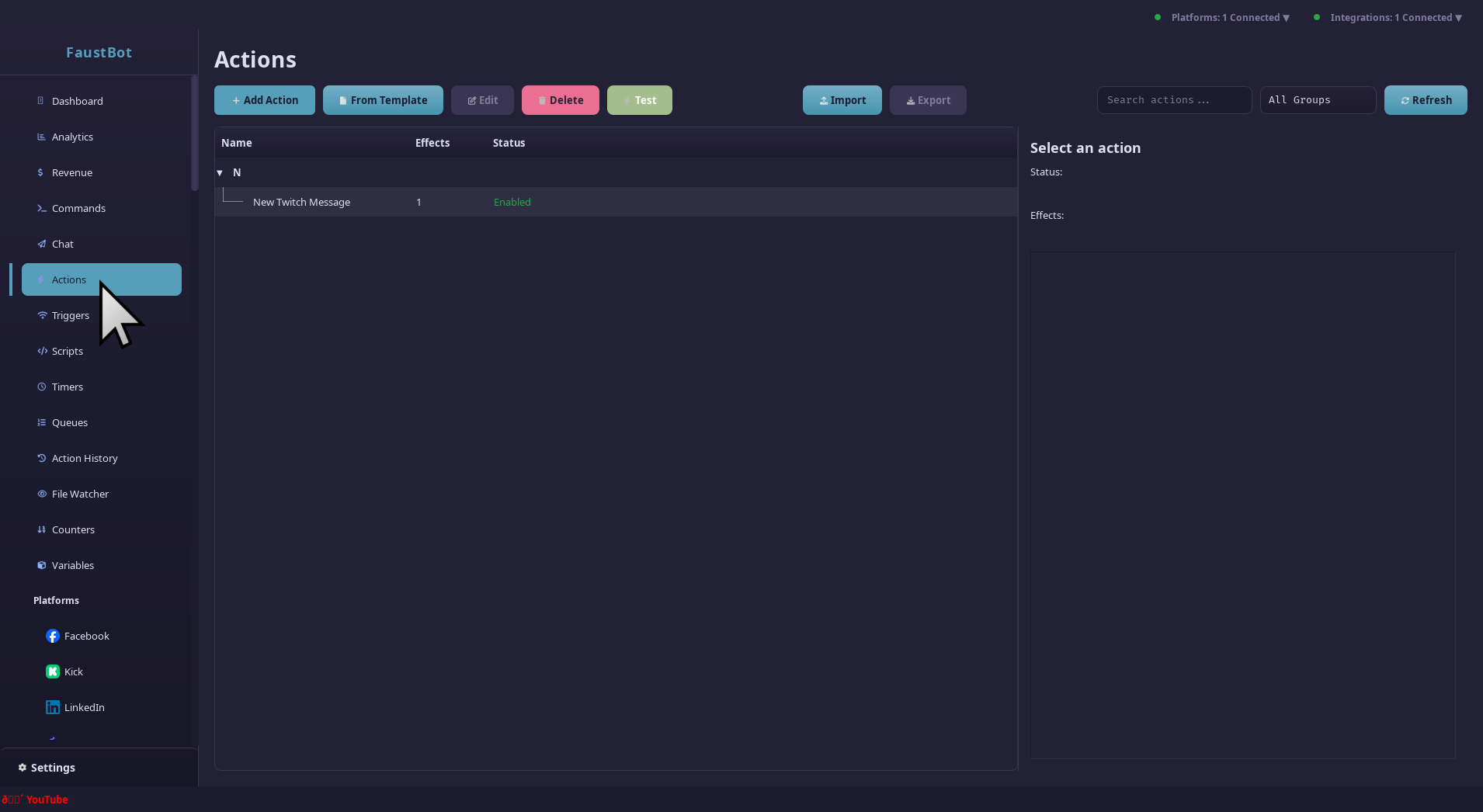
Click Actions in the sidebar to open the action editor.
Create New Action
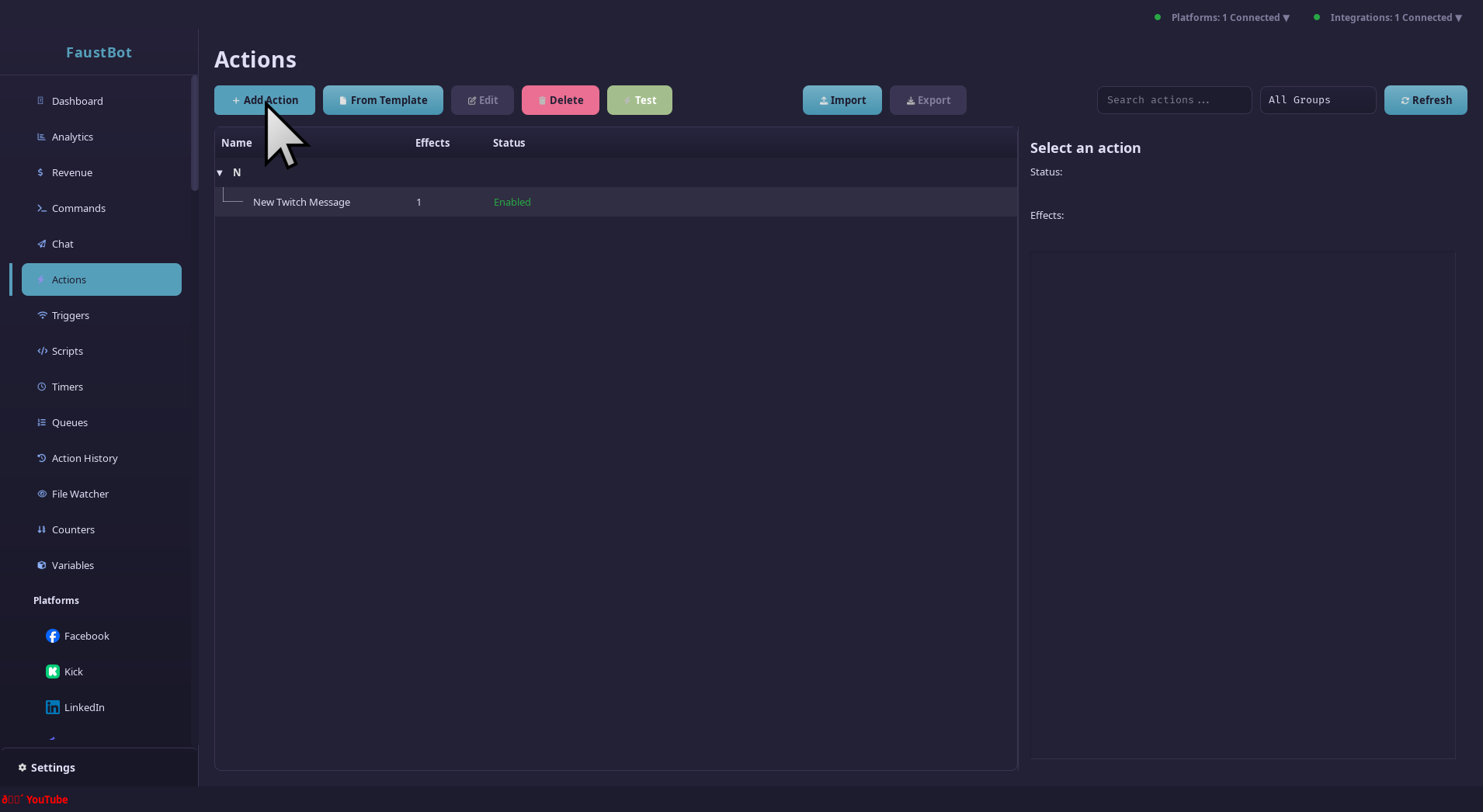
Click the + New Action button. Give it a name like "Welcome Follower".
Add an Effect
Click Add Effect and choose Send Chat Message. Enter your welcome message:
Welcome to the stream, %user%! Thanks for the follow!The %user% variable will be replaced with the follower's name.
Add a Trigger
Now let's make this action run whenever someone follows your channel.
Open Triggers Tab
With your action selected, click the Triggers tab on the right panel.
Add Trigger
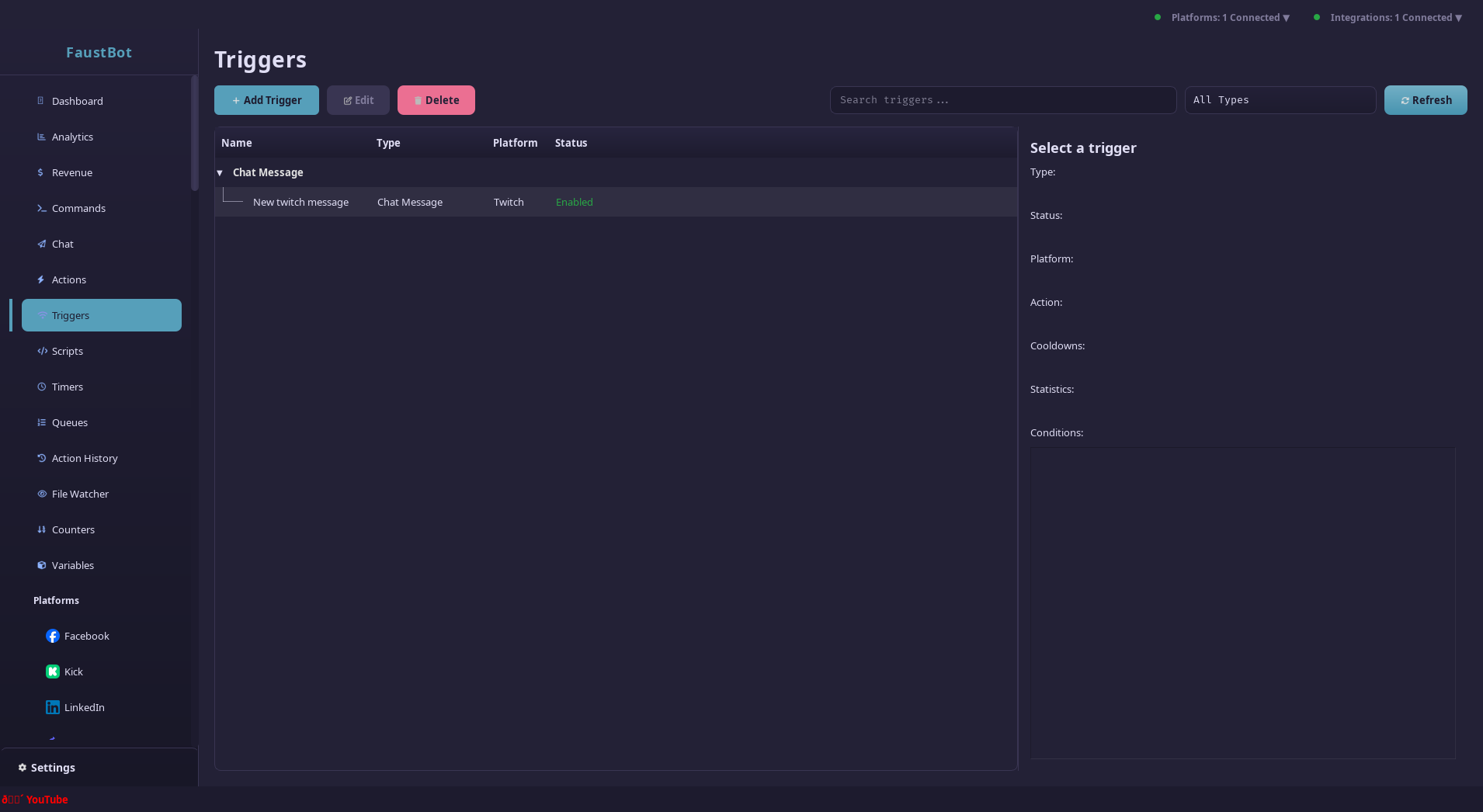
Click Add Trigger and select Twitch → Follow (or your platform's follow event).
Save
Click Save or press Ctrl+S. Your action is now active!
Multiple Triggers
Actions can have multiple triggers! Add both Twitch and YouTube follow triggers to welcome followers from any platform.
Test It Out
You can test your action without waiting for a real follow:
Manual Test
Right-click your action and select Test Action. FaustBot will simulate a follow event with test data.
Live Test
Ask a friend to follow your channel (they can unfollow after). The action should trigger automatically.
Success!
If you see your welcome message in chat, congratulations! You've created your first FaustBot automation.
Next Steps
Now that you understand the basics, here are some ideas to explore:
Need Help?
Join our Discord community for support, share your creations, and get inspiration from other streamers.