Installation
Get FaustBot up and running on your system. Available for Windows, Linux, and Steam.
System Requirements
Minimum
- 64-bit OS (Windows 10+ or Linux)
- 4 GB RAM
- 500 MB disk space
- Internet connection
Recommended
- Windows 11 or modern Linux
- 8 GB RAM
- 1 GB disk space
- SSD for faster startup
Dependencies
FaustBot uses Qt 6 and requires a few runtime libraries. The installer handles these automatically on Windows. Linux users may need to install Qt 6 libraries via their package manager.
Windows Installation
Download the Installer
Download the latest Windows installer from our website or GitHub releases page.
Run the Installer
Double-click the downloaded .exe file. If Windows SmartScreen appears,
click "More info" then "Run anyway".
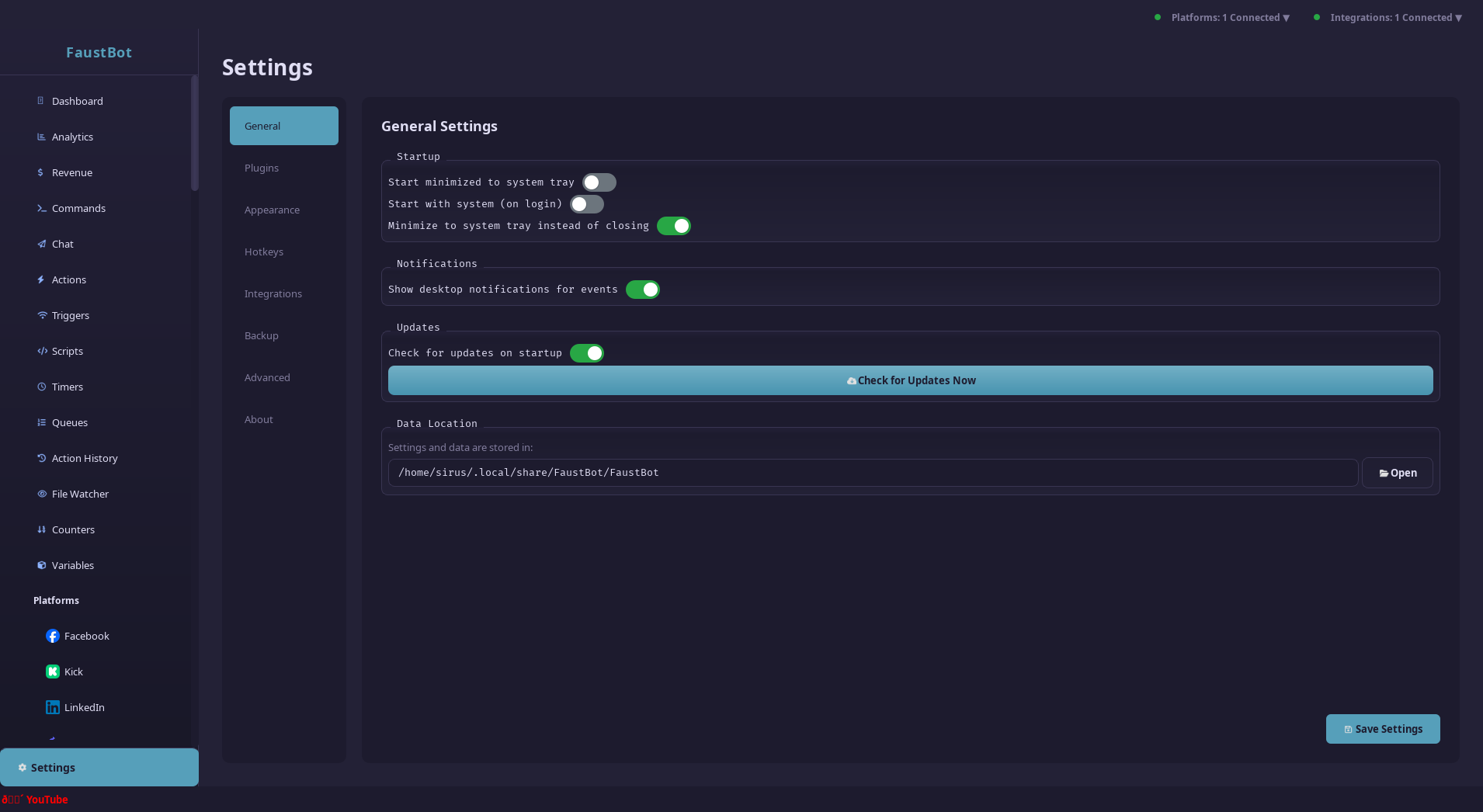
Choose Installation Location
Select where to install FaustBot. The default location works for most users. Avoid installing to Program Files if you plan to use C# scripting.
Complete Installation
Click "Install" and wait for the process to complete. Launch FaustBot when finished.
Portable Mode
For a portable installation (all data stored next to the executable), launch FaustBot
with the --portable command-line flag:
FaustBot.exe --portableCommand-Line Options
--portable- Run in portable mode (store data next to executable)--minimized- Start minimized to system tray--dev- Enable development mode (allows unverified plugins)--help- Show all available options--version- Display version information
Linux Installation
AppImage (Recommended)
The AppImage works on most Linux distributions without installation:
# Download the AppImage
wget https://faustbot.tv/download/linux/FaustBot.AppImage

# Make it executable
chmod +x FaustBot.AppImage

# Run it
./FaustBot.AppImage
Arch Linux (AUR)
Install from the AUR using your preferred helper:
# Using yay
yay -S faustbot

# Or using paru
paru -S faustbot
Manual Installation
Extract the tarball to your preferred location:
# Extract to /opt
sudo tar -xzf faustbot-linux.tar.gz -C /opt/

# Run
/opt/faustbot/FaustBot
Required Dependencies
Ensure you have Qt 6 libraries installed:
- Ubuntu/Debian:
apt install qt6-base-dev libqt6websockets6 - Fedora:
dnf install qt6-qtbase qt6-qtwebsockets - Arch:
pacman -S qt6-base qt6-websockets
Steam Installation
Coming Soon
FaustBot will be available on Steam for easy installation and automatic updates. Wishlist on Steam to be notified when it launches.
Steam Deck
FaustBot will support Steam Deck in Desktop Mode at launch. Switch to Desktop Mode from the power menu, then launch from Steam.
First Run Setup
When you first launch FaustBot, you'll be guided through initial setup:
- Accept License - Review and accept the license agreement
- Connect Platforms - Link your Twitch, YouTube, or other streaming accounts
- Configure Integrations - Set up OBS, Discord, and other services
- Import Settings - Optionally import from Streamer.bot or other tools
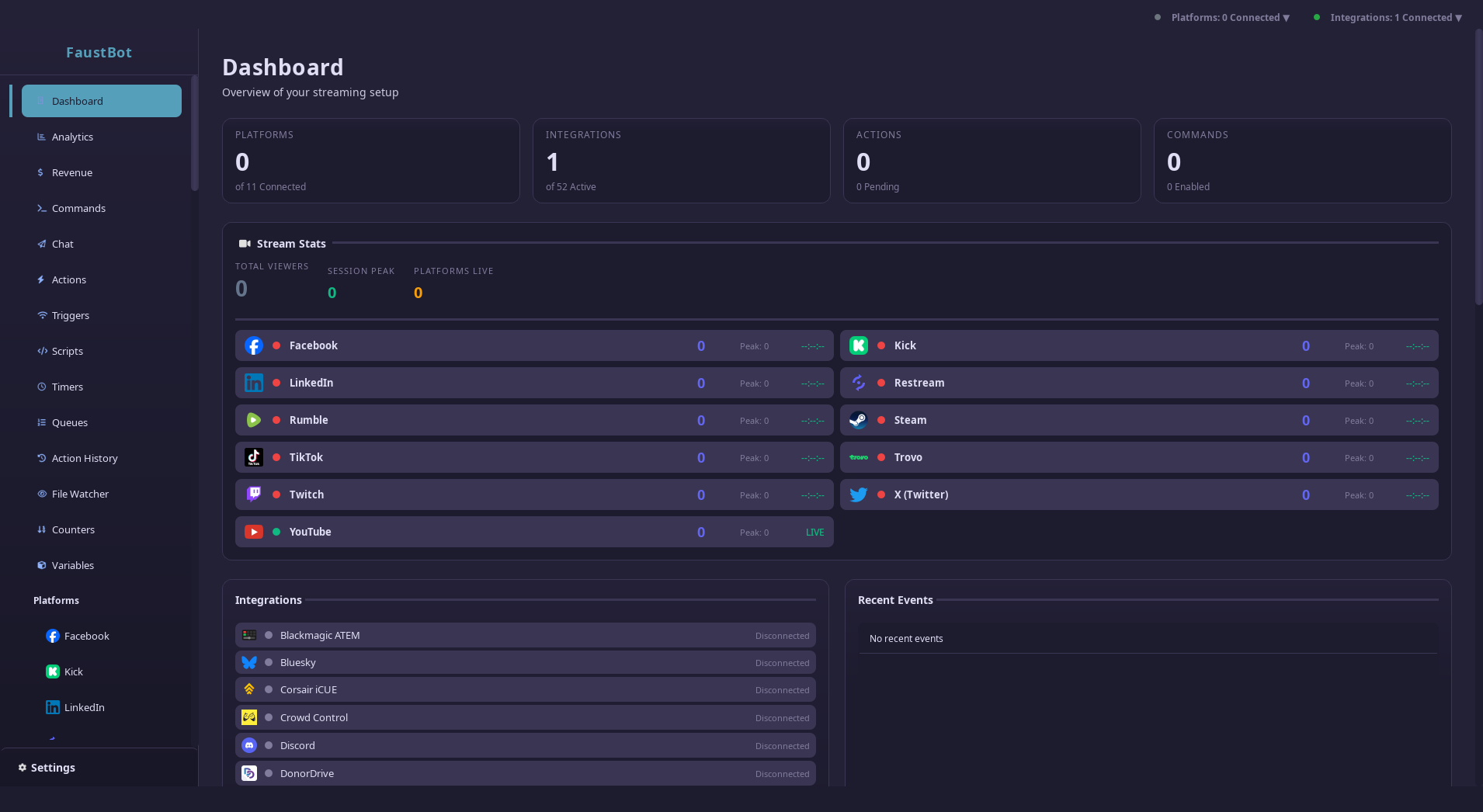
After setup, you'll be taken to the main dashboard where you can start creating actions and automations. Check out the Quick Start guide to get started.
Troubleshooting
FaustBot won't start
Try running as administrator (Windows) or check if all Qt dependencies are installed (Linux).
Check the logs in %APPDATA%/FaustBot/logs (Windows) or ~/.local/share/FaustBot/logs (Linux).
Antivirus blocking installation
Some antivirus software may flag FaustBot. Add an exception for the installation folder or temporarily disable real-time protection during installation.
Missing DLL errors (Windows)
Install the Visual C++ Redistributable from Microsoft.
Blank window on startup (Linux)
This is usually a graphics driver issue. Try running with QT_QPA_PLATFORM=xcb environment variable or update your graphics drivers.
Still having issues? Join our Discord server for community support.