Triggers
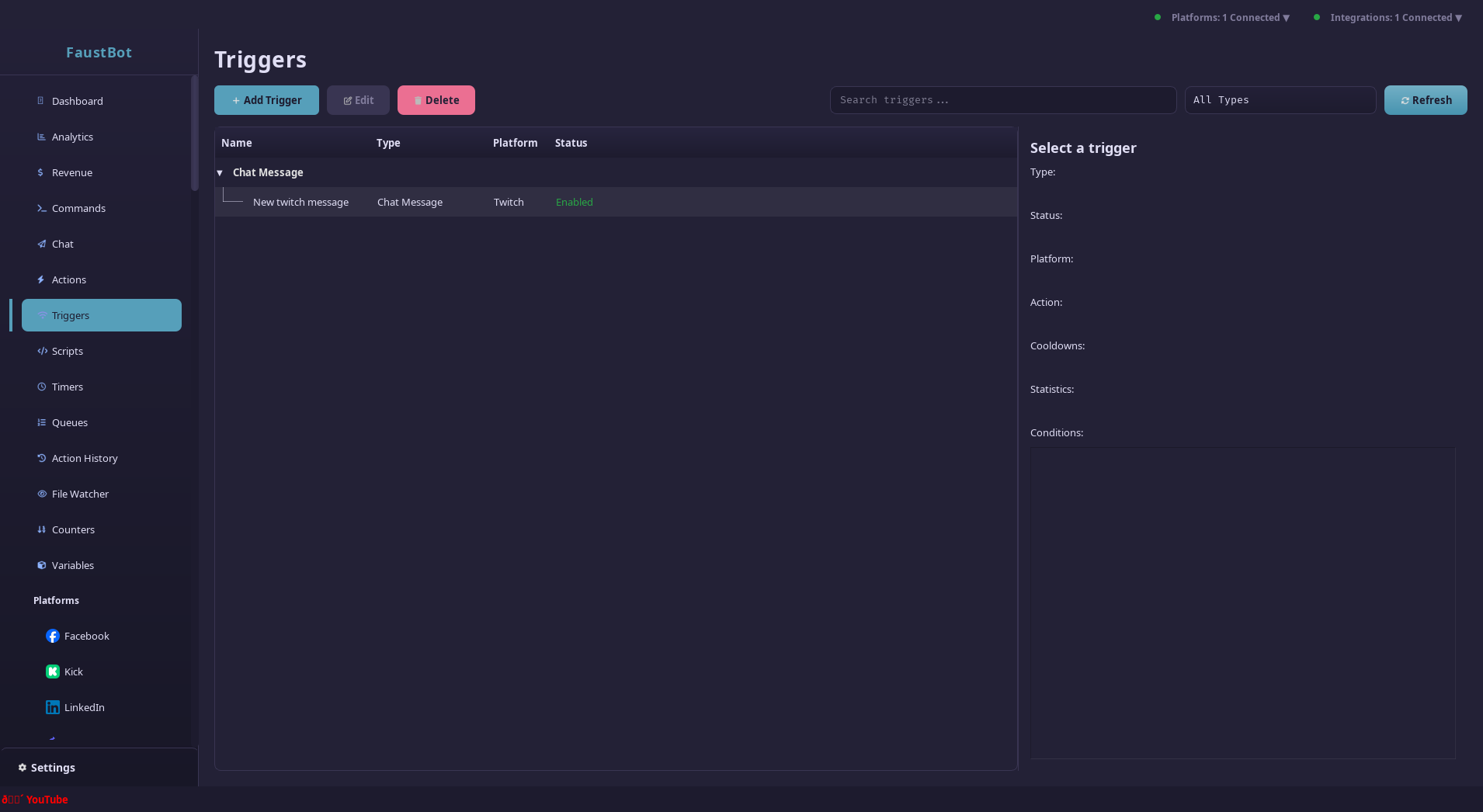
Triggers listen for events from your streaming platforms and execute actions when conditions are met. They're the "when" in your automation workflows.
Overview
Every automation in FaustBot starts with a trigger. When an event occurs (like a chat message, follow, or donation), FaustBot checks all active triggers to see if any match. Matching triggers execute their linked action with the event's context data.
Trigger Types
FaustBot supports triggers for events across all connected platforms. Core triggers work universally, while platform-specific triggers provide additional functionality.
Chat Triggers
core.chat_message Any chat message receivedcore.first_message User's first message ever in chatcore.returning_chatter User returns after being awaySocial Triggers
core.follow New follower on any platformcore.subscription New subscriptioncore.resubscription User resubscribescore.gift_subscription Gifted subscription receivedcore.gift_bomb Multiple gift subs at onceMonetary Triggers
core.donation Donation/tip receivedcore.tip Alias for donationtwitch.bits Twitch bits cheeredyoutube.superchat YouTube Super ChatRaid Triggers
core.raid Incoming raid from another channelcore.raid_sent You raided another channelStream Triggers
core.stream_online Stream went livecore.stream_offline Stream endedcore.stream_update Title/category changedModeration Triggers
core.user_banned User was bannedcore.user_timed_out User was timed outcore.message_deleted Message was deleted by modCreating Triggers
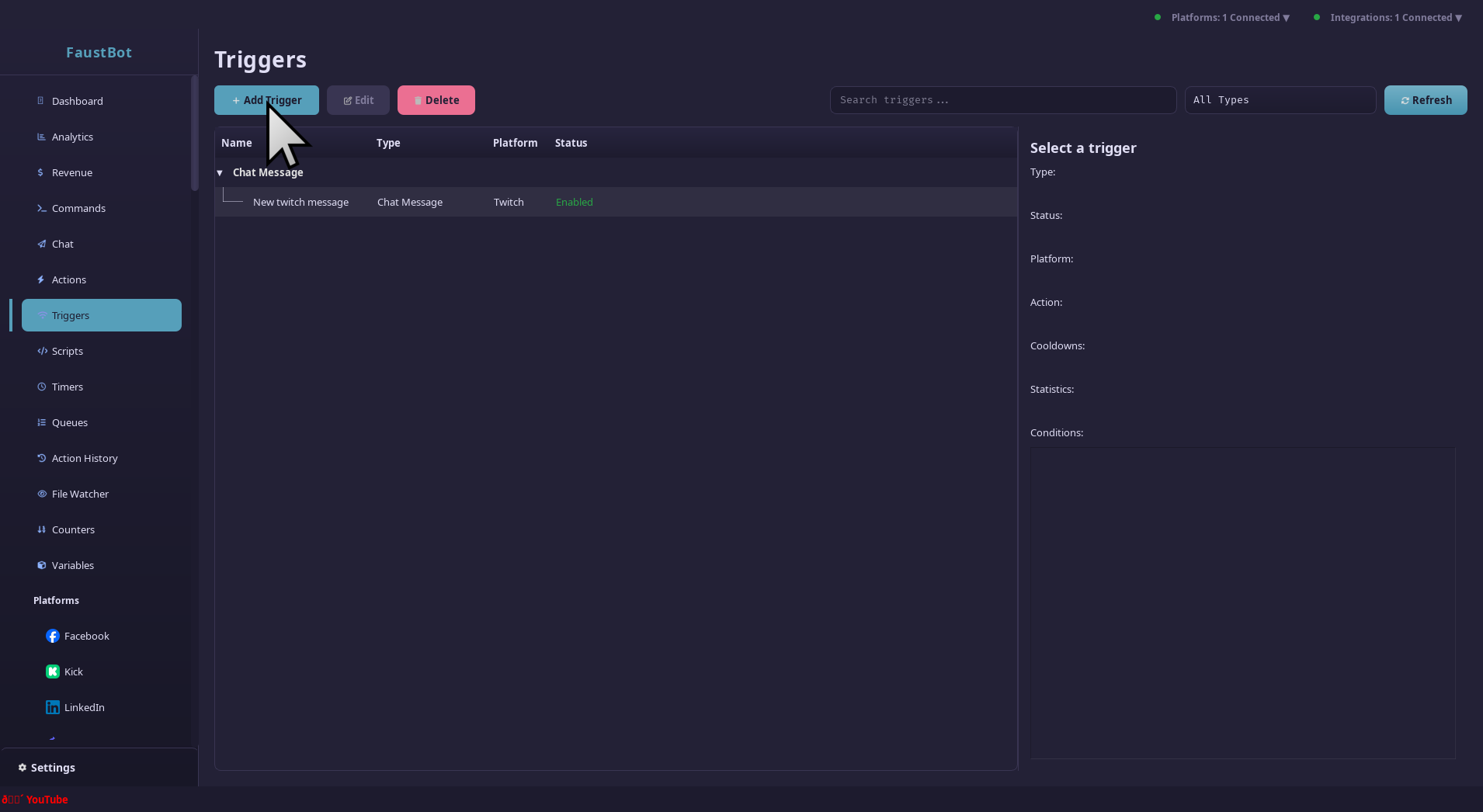
To create a new trigger:
Select the Event Type
Choose what event should activate this trigger. You can filter by platform or use cross-platform triggers.
Configure Filters
Set up keyword matching, user filters, and conditions to narrow down when the trigger should fire.
Link an Action
Select which action should run when the trigger fires. You can create a new action or link to an existing one.
Set Cooldowns
Configure cooldowns and execution limits to prevent spam and control trigger frequency.
Filtering & Conditions
Triggers can be filtered by platform, user role, specific users, keywords, and custom conditions.
Platform Filter
Limit the trigger to specific platforms:
- Any - All connected platforms
- Twitch - Twitch only
- YouTube - YouTube only
- Kick - Kick only
- Trovo - Trovo only
- TikTok - TikTok only
User Role Filter
Set a minimum role requirement:
Keyword Matching
For chat-based triggers, match specific words or phrases:
Any      - Message contains ANY of the keywords
All      - Message contains ALL keywords
Sequence - Keywords appear in order
Keyword Options
- Case Sensitive - "Hello" won't match "hello"
- Whole Words - "cat" won't match "category"
Regex Patterns
For advanced matching, use regular expressions:
^!(\w+)         - Match commands starting with !
@(\w+)          - Match @mentions
\d+             - Match numbers
https?://\S+    - Match URLs
Enable Extract Captures to make regex capture groups available
as variables (%match1%, %match2%, etc.).
Condition Groups
Build complex conditions using AND/OR/NOT logic. Conditions can check variables, user properties, time of day, and more.
Cooldowns & Limits
Cooldown Types
Burst Limiting
Prevent rapid-fire triggers with burst limits:
- Burst Limit - Maximum triggers within the window
- Burst Window - Time window in seconds
Burst Limit: 3
Burst Window: 10 seconds

Timeline:
0s  - Trigger 1 ✓
2s  - Trigger 2 ✓
4s  - Trigger 3 ✓
5s  - Trigger 4 ✗ (blocked)
10s - Trigger 5 ✓ (window reset)
Execution Limits
Context Data
When a trigger fires, it passes context data to the action. This data varies by trigger type.
Common Context Variables
%triggerId%      - Unique trigger ID
%triggerName%    - Trigger display name
%platform%       - Platform name
%userId%         - User's platform ID
%username%       - User's login name
%displayName%    - User's display name
%isFollower%     - Boolean: is following
%isSubscriber%   - Boolean: is subscribed
%isVip%          - Boolean: has VIP badge
%isModerator%    - Boolean: is moderator
%isBroadcaster%  - Boolean: is channel owner
Chat Message Context
%message%        - Full message text
%messageId%      - Unique message ID
%isAction%       - Boolean: is /me message
%isHighlighted%  - Boolean: highlighted message
%emotes%         - JSON object of emotes used
%badges%         - JSON object of user badges
Subscription Context
%subTier%        - Subscription tier (1, 2, or 3)
%subMonths%      - Total months subscribed
%isGift%         - Boolean: was gifted
%giftedBy%       - Gifter's username (if gift)
%message%        - Resub message (if any)
Raid Context
%raiderId%       - Raiding channel ID
%raiderName%     - Raiding channel name
%viewers%        - Number of viewers in raid
Donation Context
%amount%         - Donation amount
%currency%       - Currency code (USD, EUR, etc.)
%message%        - Donation message
%formattedAmount% - Display string (e.g., "$5.00")