Actions
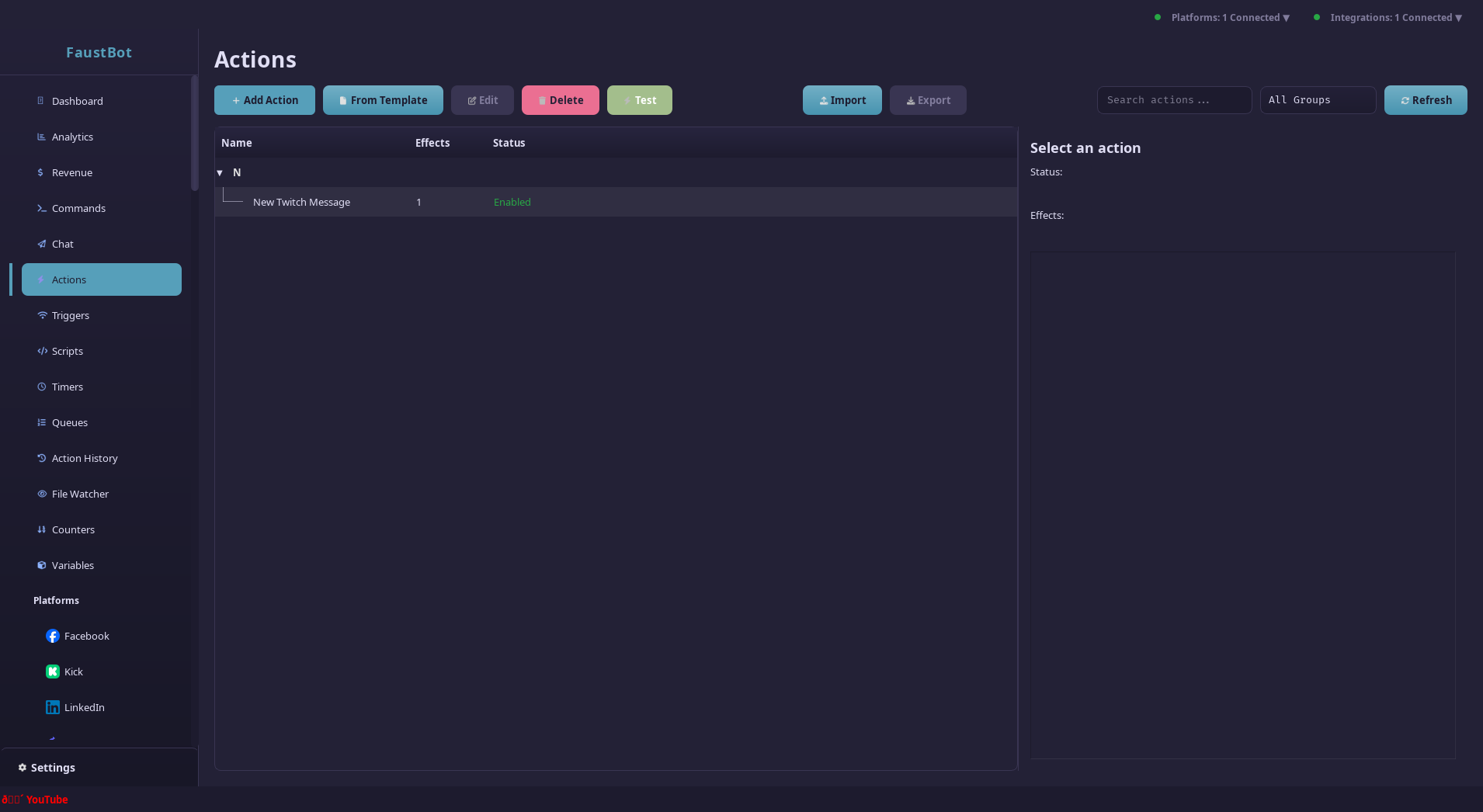
Actions are the core building blocks of FaustBot automation. They contain sequences of effects that execute when triggered by events like chat commands, follows, or donations.
Overview
An Action is a reusable workflow that performs one or more operations. Actions can be triggered by multiple events and can contain complex logic including conditions, loops, and parallel execution.
Action Components
- Name & Group - Organize your actions into logical groups
- Effects - The operations that run when the action executes
- Cooldowns - Prevent spam with global and per-user cooldowns
- Permissions - Control who can trigger the action
Creating Actions
To create a new action:
Open the Actions Panel
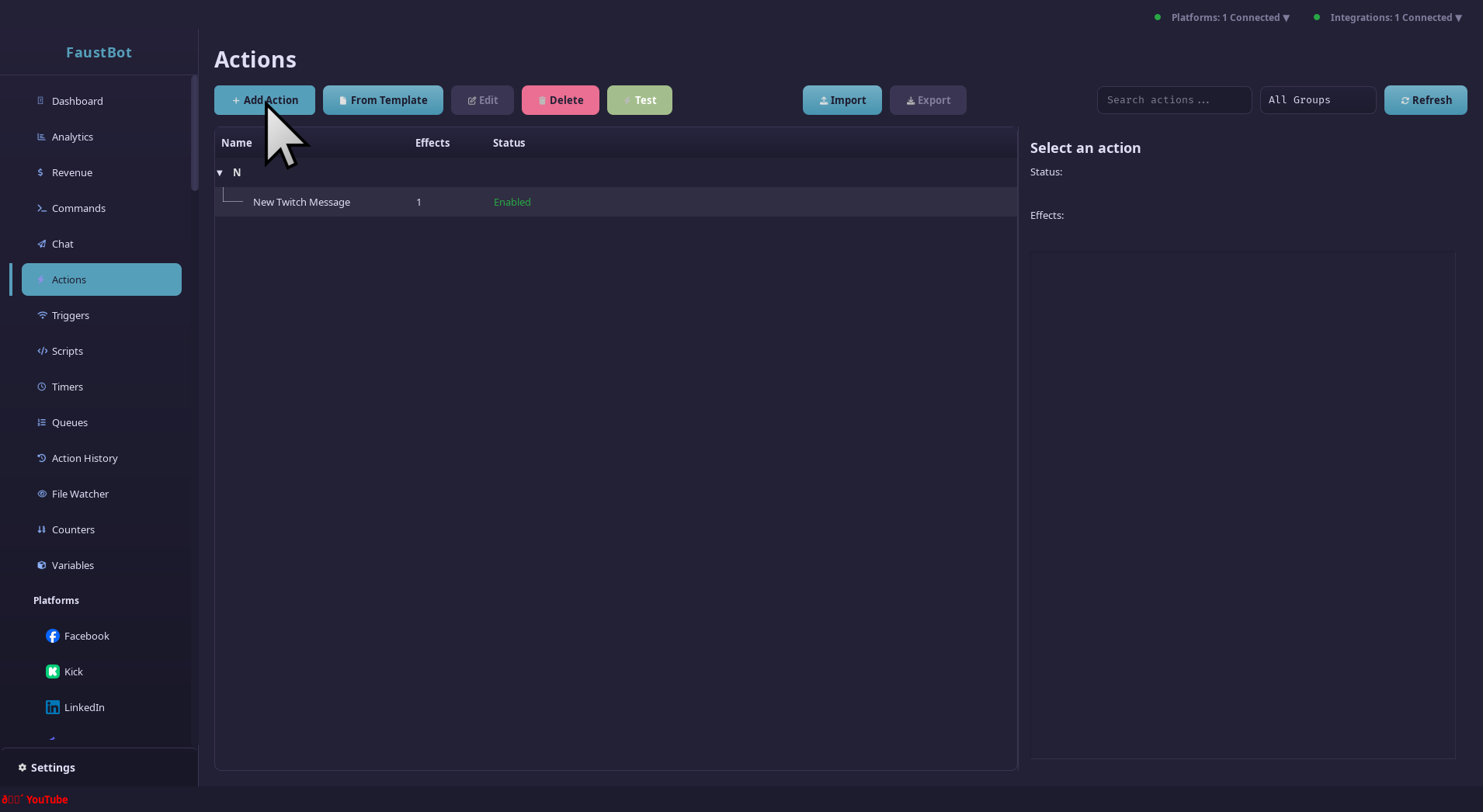
Navigate to the Actions tab in the sidebar, then click the + New Action button.
Name Your Action
Give your action a descriptive name and optionally assign it to a group. Groups help organize related actions (e.g., "Chat Commands", "Alerts", "Moderation").
Add Effects
Click Add Effect to add operations to your action. Effects run in order from top to bottom.
Configure & Save
Configure each effect's settings, set up cooldowns if needed, then save your action.
Effects
Effects are the individual operations within an action. FaustBot provides a wide variety of built-in effects, and plugins can add more.
Core Effects
Send Message
Send a chat message to the current platform
core.send_messagePlay Sound
Play an audio file through a selected output
core.play_soundSet Variable
Store a value in a global or user variable
core.set_variableHTTP Request
Make GET/POST requests to external APIs
core.http_requestDelay
Pause execution for a specified duration
core.delayRun Script
Execute C# or C++ code inline
core.scriptPlatform Effects
These effects work across all connected streaming platforms:
| Effect | Description |
|---|---|
core.send_announcement | Send a highlighted announcement message |
core.clear_chat | Clear all messages in chat |
core.set_title | Update the stream title |
core.set_category | Change the stream category/game |
core.create_clip | Create a clip of the stream |
core.start_raid | Raid another channel |
core.create_poll | Start a chat poll |
core.create_prediction | Start a channel prediction |
File Effects
core.read_file      - Read contents from a file
core.write_file     - Write/overwrite a file
core.append_file    - Append text to a file
core.file_exists    - Check if a file exists
Control Flow
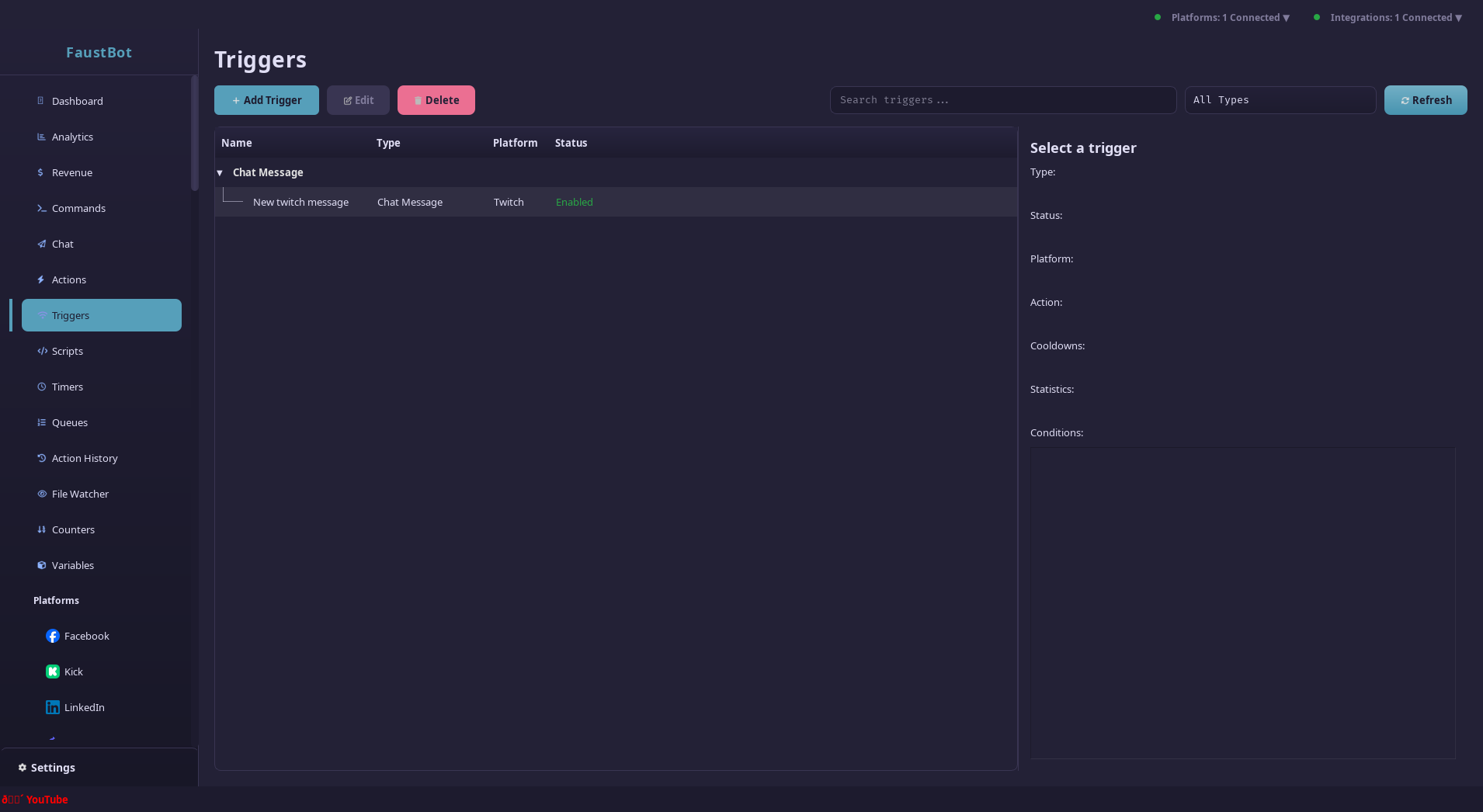
Actions support conditional logic and loops for complex workflows.
Conditionals (If/Else)
Execute effects only when certain conditions are met:
If Condition: %isVip% equals "true"
  ├─ Send Message: "Thanks for being a VIP, %user%!"
Else
  └─ Send Message: "Become a VIP to unlock this!"
End If
Loops
Repeat effects a specified number of times or until a condition is met:
Set Variable: counter = 5
Loop while: $counter > 0$
  ├─ Send Message: "%counter%..."
  ├─ Delay: 1 second
  └─ Set Variable: counter = $counter - 1$
End Loop
Send Message: "Go!"
Parallel Execution
Run multiple effects simultaneously using parallel blocks. Useful for triggering multiple independent operations without waiting.
Run Parallel
  ├─ Play Sound: alert.mp3
  ├─ Send Message: "New follower: %user%!"
  └─ OBS: Show source "FollowAlert"
End Parallel
Cooldowns & Permissions
Cooldowns
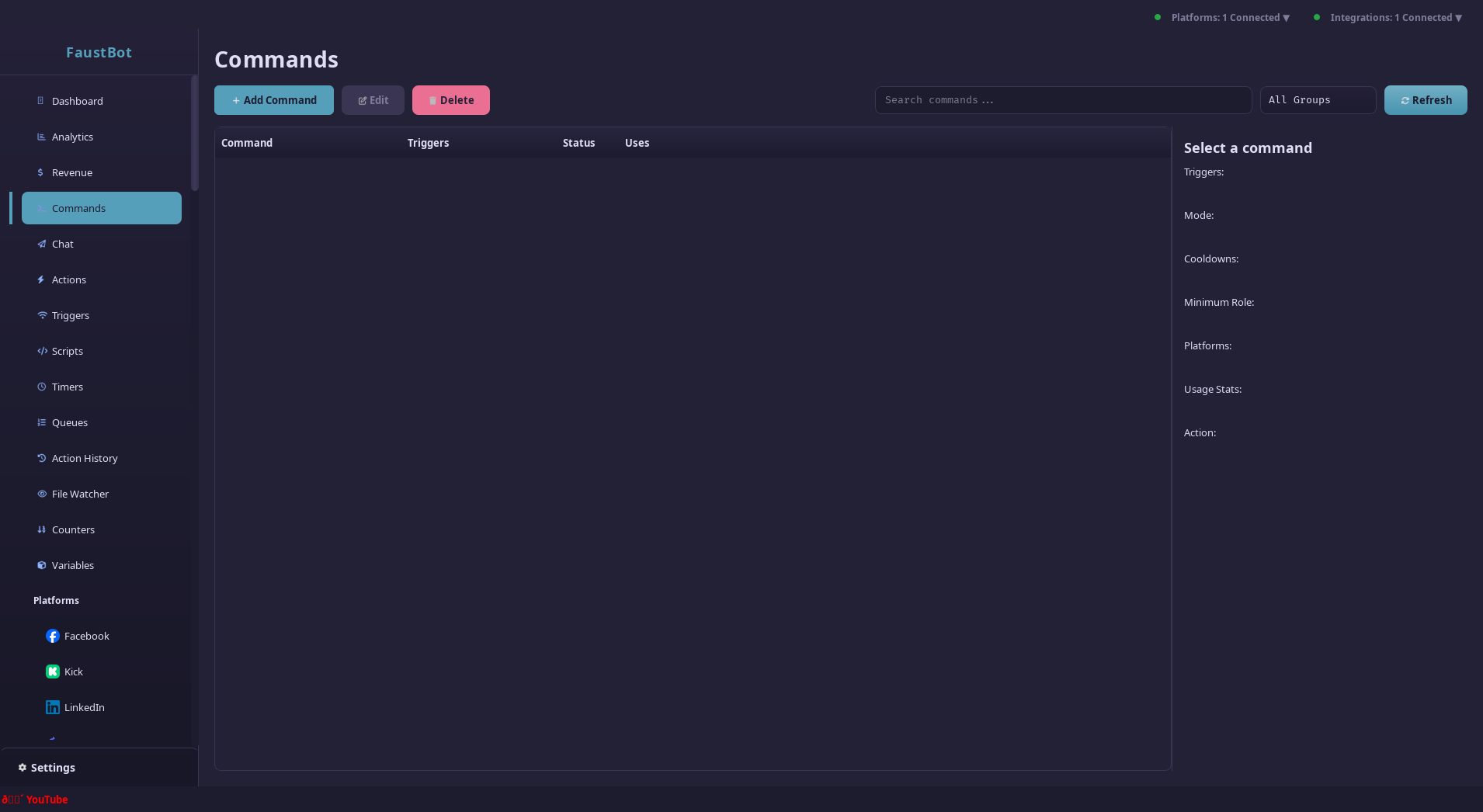
Prevent action spam with cooldown settings:
Permissions
Control who can trigger actions based on user roles:
- Anyone - All viewers
- Followers - Only followers
- Subscribers - Tier 1+ subscribers
- VIPs - VIP badge holders
- Moderators - Channel moderators
- Broadcaster - Channel owner only
You can also configure specific allowed/denied users by username or ID.
Using Variables
Actions have access to event data and stored variables. Use the %variable% syntax
to substitute values in effect parameters.
Event Variables
These are automatically available based on the trigger:
%user%          - Username who triggered
%userId%        - User's platform ID
%displayName%   - User's display name
%message%       - Chat message content
%platform%      - Platform name (twitch, youtube, etc.)
%isSubscriber%  - Whether user is subscribed
%isModerator%   - Whether user is a mod
%isVip%         - Whether user is a VIP
Inline Expressions
Use $expression$ for math and function calls:
$random(1, 100)$        - Random number 1-100
$counter + 1$           - Math operations
$upper(%user%)$         - Uppercase username
$length(%message%)$     - Message character count
See the Variables Guide for complete documentation.
Testing Actions
FaustBot provides tools to test your actions without needing live events.
Manual Trigger
Right-click any action and select Test Action to run it immediately. You can provide test values for event variables.
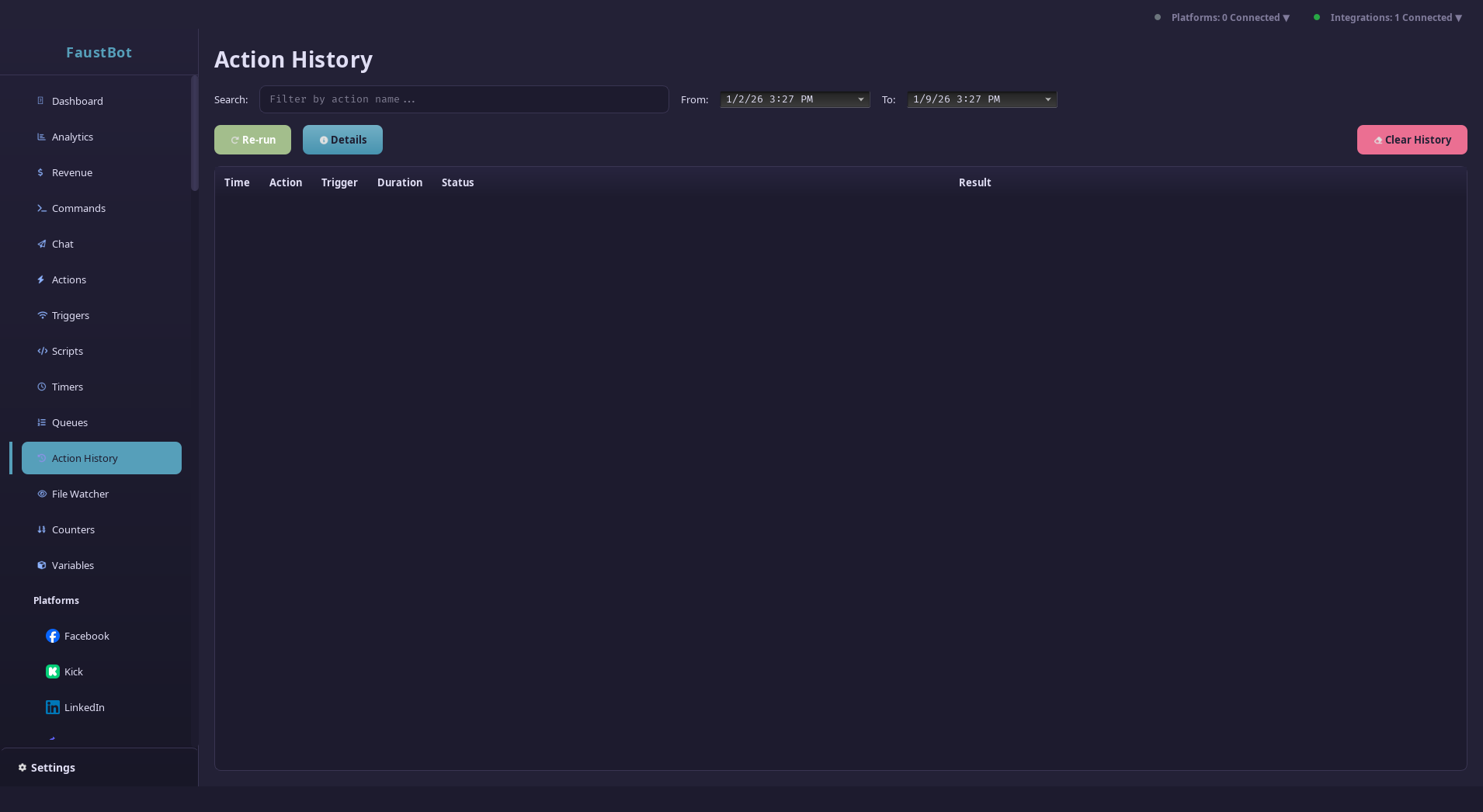
Action History
The Action History panel shows all recent executions with timing, status, and any errors. Use this to debug issues with your actions.
Debugging Tips
- Use
Logeffects to output debug information - Check the Action History for execution details
- Disable cooldowns during testing
- Test with different user roles to verify permissions