
Philips Hue
The pioneering smart lighting system. FaustBot integrates with Philips Hue to create reactive lighting that responds to stream events, alerts, and chat interactions.
View Integration GuideWhat You Can Do With FaustBot
FaustBot provides deep integration with Philips Hue, giving you full control through actions, triggers, and scripting.
Light Control
Entertainment Zones
Scenes & Groups
Scripting Examples
# Change light color on new subscriber
def Execute():
    CPH.HueSetColor("Desk Light", "#FF00FF")
    CPH.HueSetBrightness("Desk Light", 100)
    CPH.Wait(5000)
    CPH.HueApplyScene("Default")
    return True
# Activate entertainment zone for gaming
def Execute():
zone = CPH.GetArg("zone")
CPH.HueActivateEntertainment(zone)
CPH.HueSetZoneColors(zone, ["#FF0000", "#0000FF"])
CPH.HueSyncMedia(zone, "gaming")
return True# Apply scene based on stream status
def Execute():
status = CPH.GetArg("status")
if status == "live":
CPH.HueApplyScene("Streaming")
elif status == "brb":
CPH.HueApplyScene("BRB Mode")
else:
CPH.HueApplyScene("Offline")
return TrueBridge & Starter Kits
Essential hardware to get started with Philips Hue smart lighting.
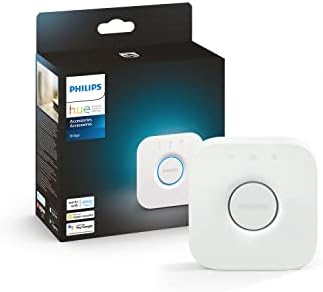
Hue Bridge
The brain of your Hue system. Controls up to 50 lights and accessories with full automation support.
- Controls up to 50 lights
- Enables automations
- Voice assistant compatible
- Required for full features
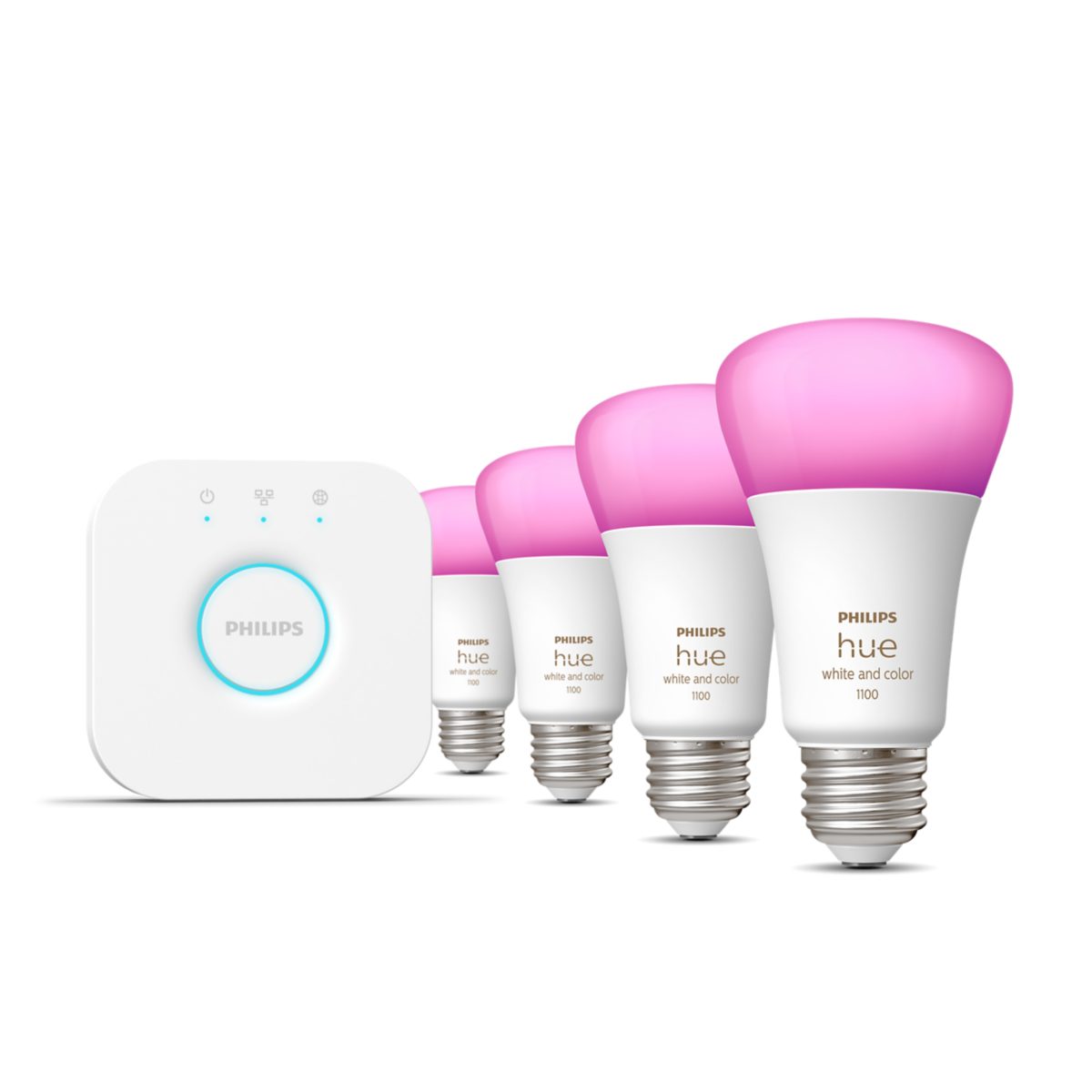
Hue Starter Kit
Everything you need to get started with Philips Hue. Includes Bridge and color bulbs for instant smart lighting.
- Includes Bridge
- 4 color bulbs
- 16 million colors
- Easy setup
What FaustBot Can Do
The Hue Bridge is the brain of your lighting system. FaustBot connects directly to the Bridge to control all your Hue lights with precise timing and rich color options.
Actions
- Set Color Set any RGB or XY color on your lights
- Set Brightness Adjust brightness from 0-100%
- Set Scene Apply preset or custom Hue scenes
- Alert Trigger flash effects on lights
- Color Loop Enable rainbow cycling effect
Triggers
Output only — controlled via actions
Examples
def Execute():
    # Flash purple for new subscriber
    CPH.HueSetColor("Desk Light", "#9146FF")
    CPH.HueAlert("Desk Light", "select")
    CPH.Wait(1000)
    CPH.HueApplyScene("Default")
return Truedef Execute():
CPH.HueSetBrightness("Office", 80)
CPH.HueSetColor("Key Light", "#FFFFFF")
CPH.HueApplyScene("Streaming Mode")
return TruePlay Bars & Light Strips
Accent lighting designed for entertainment setups and streaming studios.

Hue Play Bars
Sleek light bars designed for entertainment setups. Perfect for bias lighting behind TVs and monitors.
- Compact design
- TV mounting clips
- Full color spectrum
- Great for streaming

Hue Gradient Lightstrip
Display multiple colors simultaneously for stunning gradient effects. Perfect for immersive entertainment.
- Multi-color gradient
- TV sizes 55"-75"
- Sync Box compatible
- Individual LED zones
What FaustBot Can Do
Play Bars and Light Strips provide vibrant accent lighting perfect for streaming. Control colors individually or sync them together for immersive effects.
Actions
- Set Color Set RGB or XY colors for each light bar
- Set Brightness Control brightness level (0-100%)
- Alert Flash lights to draw attention
- Color Loop Rainbow cycling through the spectrum
- Set Effect Apply dynamic color effects
Triggers
Output only — controlled via actions
Examples
def Execute():
    colors = ["#FF0000", "#00FF00", "#0000FF"]
    for color in colors:
        CPH.HueSetColor("Play Bars", color)
        CPH.Wait(300)
    CPH.HueColorLoop("Play Bars", True)
    CPH.Wait(5000)
    CPH.HueColorLoop("Play Bars", False)
    return True
Sync Box & Entertainment
Sync your lights with movies, games, and music in real-time.
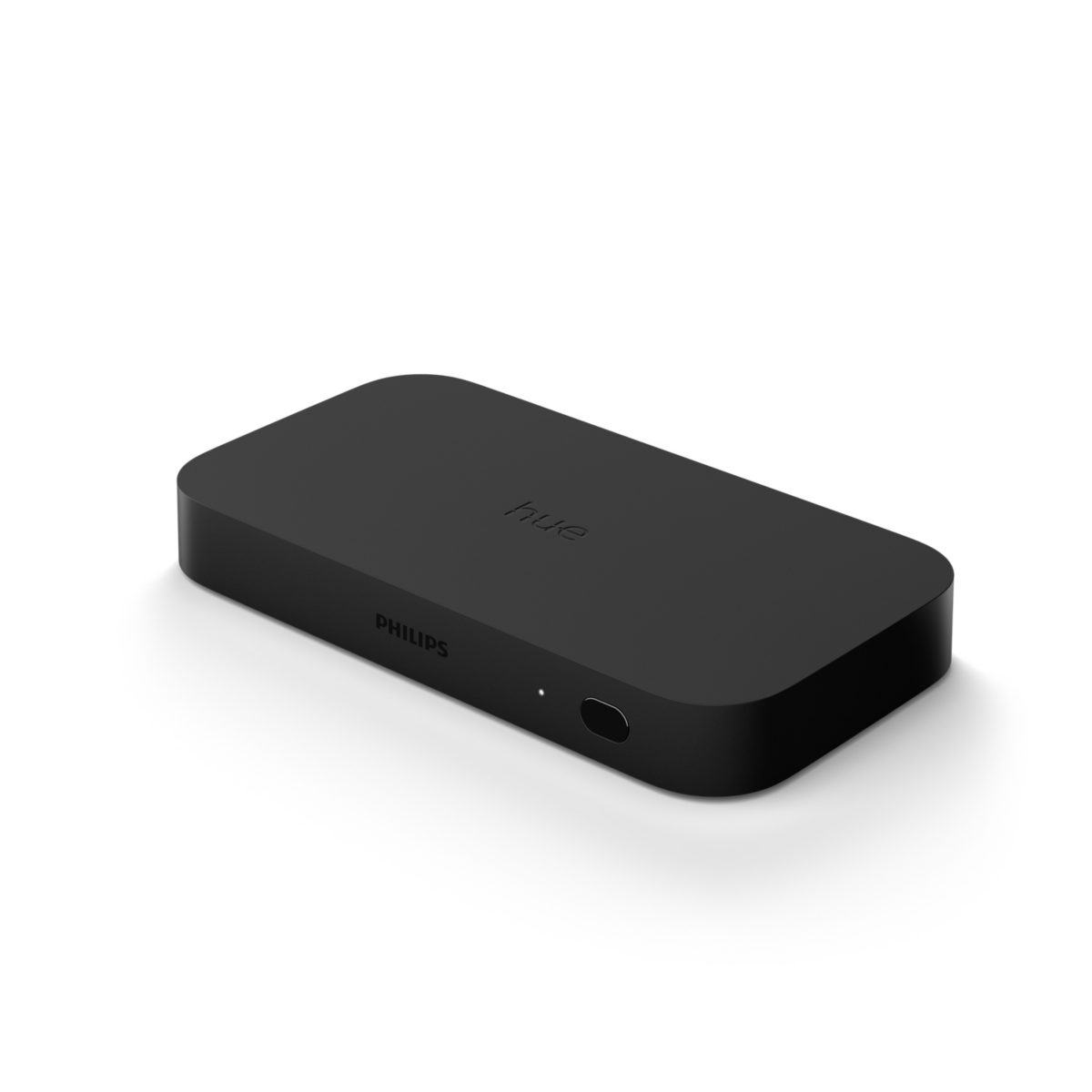
Hue Play HDMI Sync Box
Syncs your Hue lights with movies, games, and music in real-time for immersive entertainment.
- 4 HDMI inputs
- 4K HDR10+ support
- Dolby Vision
- Low latency sync
What FaustBot Can Do
The Hue Play HDMI Sync Box creates immersive lighting that reacts to your content. Control entertainment modes and intensity through FaustBot.
Actions
- Set Intensity Adjust sync intensity (subtle to intense)
- Set Mode Switch between video, music, and game modes
- Toggle Sync Enable or disable sync functionality
- Set Brightness Control overall entertainment brightness
Triggers
Output only — controlled via actions
Examples
def Execute():
    CPH.HueSyncSetMode("game")
    CPH.HueSyncSetIntensity("intense")
    CPH.HueSyncEnable(True)
    return True
Ready to Connect Your Philips Hue Lights?
FaustBot makes it easy to create reactive lighting effects that respond to your stream events.