
Corsair iCUE Hardware
Control your entire Corsair ecosystem through FaustBot. Synchronize RGB lighting across keyboards, mice, headsets, fans, and RAM with stream events and chat commands.
View Integration GuideWhat You Can Do With FaustBot
FaustBot provides deep integration with Corsair iCUE, giving you full control through actions, triggers, and scripting.
Keyboard Control
Mouse Control
System RGB
Scripting Examples
# Change keyboard colors on subscription
def Execute():
    tier = CPH.GetArg("tier")
    if tier == "3000":
        CPH.CorsairSetKeyColor("all", "#FFD700")
        CPH.CorsairCreateEffect("rainbow", 5000)
    else:
        CPH.CorsairSetKeyColor("all", "#9146FF")
    CPH.Wait(3000)
    CPH.CorsairSetProfile("Default")
    return True
# Flash mouse on channel point redemption
def Execute():
reward = CPH.GetArg("rewardName")
if reward == "Flash Mouse":
CPH.CorsairSetDPIZoneColor("zone1", "#FF0000")
CPH.CorsairSetScrollWheelColor("#FF0000")
CPH.Wait(500)
CPH.CorsairSetDPIZoneColor("zone1", "#00FF00")
CPH.CorsairSetScrollWheelColor("#00FF00")
return True# Sync system RGB with stream events
def Execute():
event = CPH.GetArg("eventType")
if event == "raid":
CPH.CorsairSetFanColor("all", "#FF4500")
CPH.CorsairSetAIOColor("#FF4500")
CPH.CorsairSetRAMColor("#FF4500")
CPH.CorsairSetCaseColor("#FF4500")
elif event == "follow":
CPH.CorsairSetFanColor("all", "#00FF00")
return TrueKeyboards
Premium mechanical keyboards with per-key RGB lighting and iCUE integration.

K100 RGB
Flagship optical-mechanical keyboard with 44-zone LightEdge and iCUE control wheel.
- OPX optical-mechanical switches
- Per-key RGB + 44-zone LightEdge
- iCUE control wheel
- 8000Hz polling rate

K70 RGB PRO
Tournament-ready mechanical keyboard with AXON hyper-processing technology.
- Cherry MX switches
- Per-key RGB backlighting
- AXON 8000Hz technology
- Durable aluminum frame
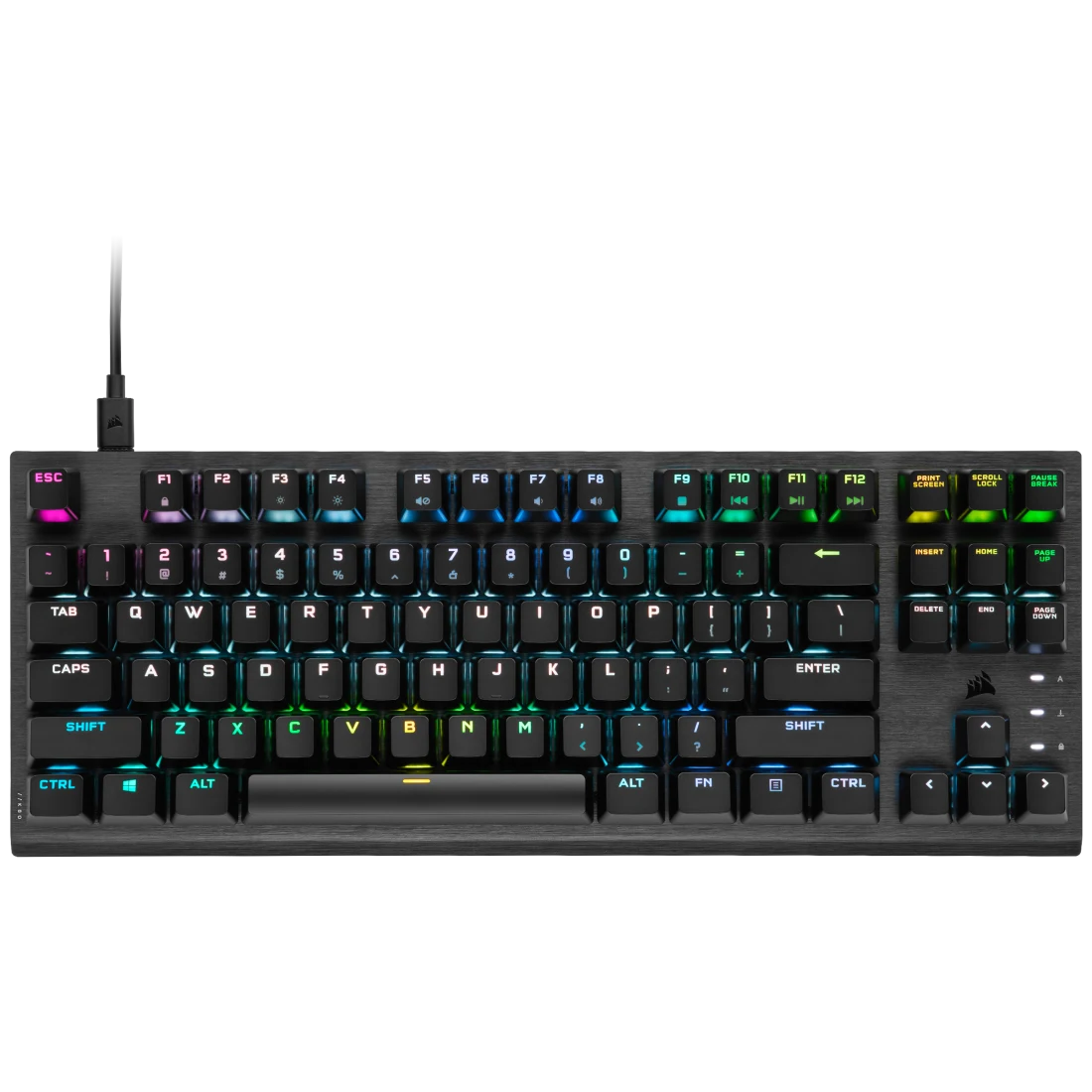
K70 RGB TKL
Compact tenkeyless design with tournament-grade performance.
- Cherry MX switches
- Per-key RGB lighting
- Detachable USB-C
- Compact TKL layout
FaustBot Integration
FaustBot provides full control over Corsair keyboards including per-key RGB lighting, lighting profiles, and key press event triggers for stream automation.
Actions
- Set Key Color Change individual key or zone colors
- Set Profile Switch between iCUE lighting profiles
- Create Effect Apply rainbow, wave, or custom effects
- Set Brightness Adjust keyboard brightness level
Triggers
- Key Pressed Trigger actions when specific keys are pressed
- Key Released Trigger actions when keys are released
Example Use Cases
# Highlight hotkeys when OBS scene changes
def Execute():
    scene = CPH.GetArg("sceneName")
    if scene == "Gaming":
        CPH.CorsairSetKeyColor("WASD", "#00FF00")
        CPH.CorsairSetKeyColor("Space", "#00FF00")
    elif scene == "Just Chatting":
        CPH.CorsairSetProfile("Default")
    return True
# Flash keyboard on new subscriber
def Execute():
CPH.CorsairCreateEffect("flash", "#FFD700", 500)
CPH.Wait(500)
CPH.CorsairSetProfile("Default")
return TrueGaming Mice
High-precision gaming mice with customizable RGB zones.

Dark Core RGB Pro SE
Wireless gaming mouse with Qi charging and 9-zone RGB lighting.
- 18,000 DPI sensor
- Wireless + Bluetooth
- Qi wireless charging
- 9-zone RGB lighting
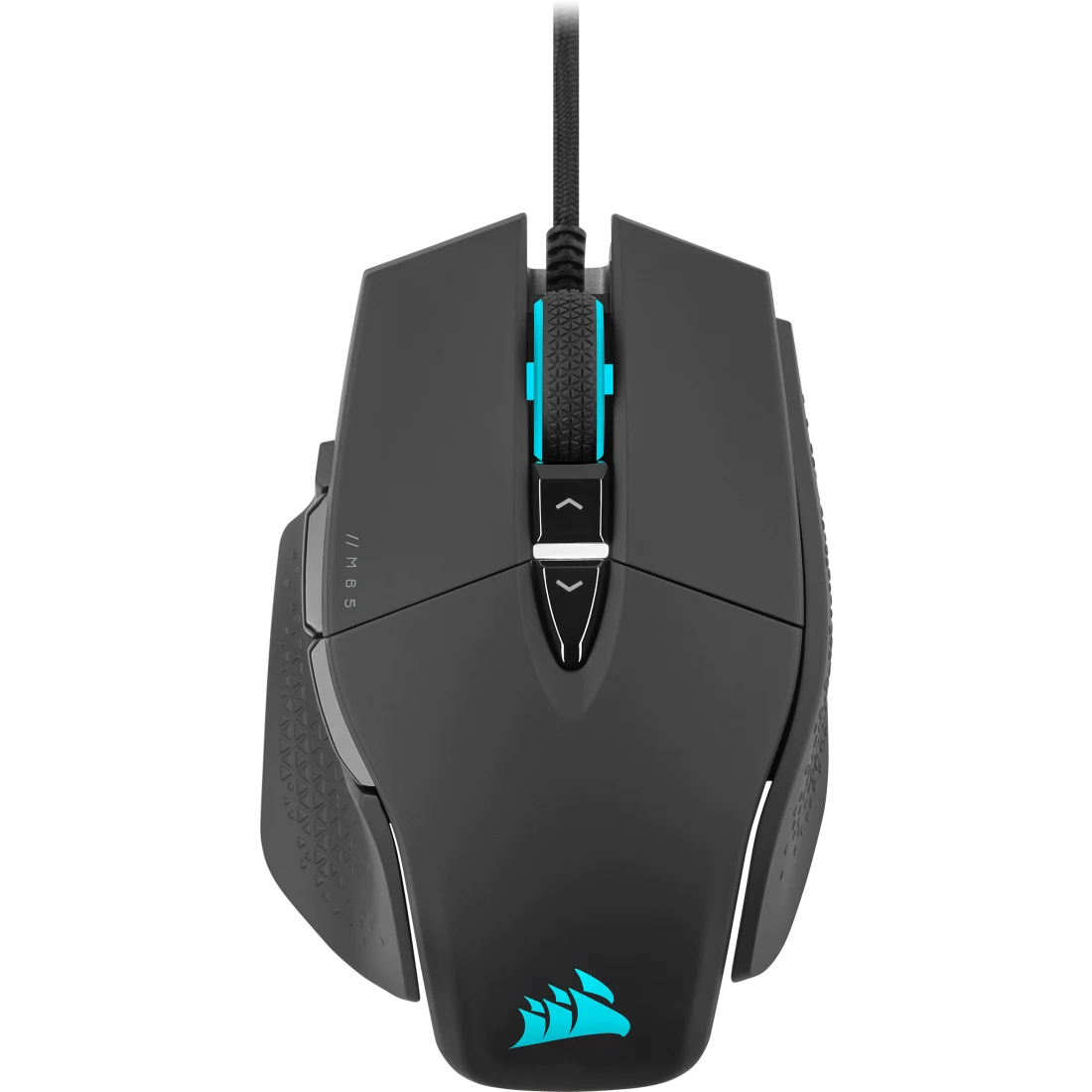
M65 RGB Ultra
Tunable FPS gaming mouse with adjustable weight system.
- 26,000 DPI MARKSMAN sensor
- Adjustable weight system
- 8-zone RGB lighting
- Sniper button
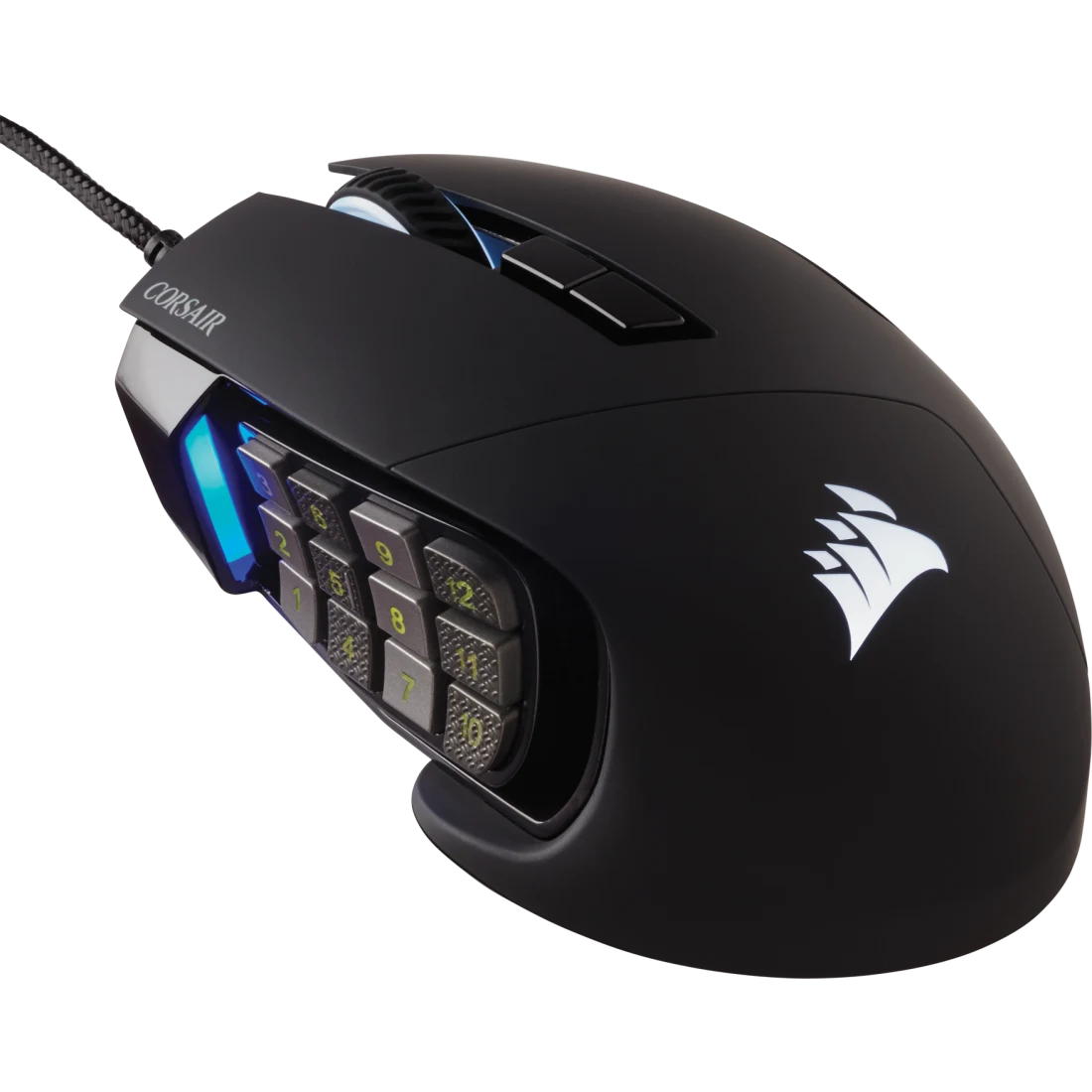
Scimitar RGB Elite
MMO/MOBA mouse with 17 programmable buttons.
- 17 programmable buttons
- 18,000 DPI sensor
- Adjustable side panel
- RGB lighting zones
FaustBot Integration
Control mouse RGB lighting zones and trigger actions from button presses. Perfect for quick scene switches or sound effects.
Actions
- Set DPI Zone Color Change RGB color of DPI indicator zones
- Set Scroll Wheel Color Customize scroll wheel lighting
- Apply Lighting Profile Switch to predefined iCUE profiles
- Set Logo Color Change the mouse logo RGB color
Triggers
- Button Pressed Trigger actions from mouse button clicks
- Button Released Trigger on button release events
Example Use Cases
# Change mouse color based on health in game
def Execute():
    health = CPH.GetArg("health")
    if health > 75:
        CPH.CorsairSetDPIZoneColor("all", "#00FF00")
    elif health > 25:
        CPH.CorsairSetDPIZoneColor("all", "#FFFF00")
    else:
        CPH.CorsairSetDPIZoneColor("all", "#FF0000")
    return True
Headsets
Premium gaming headsets with immersive RGB lighting.
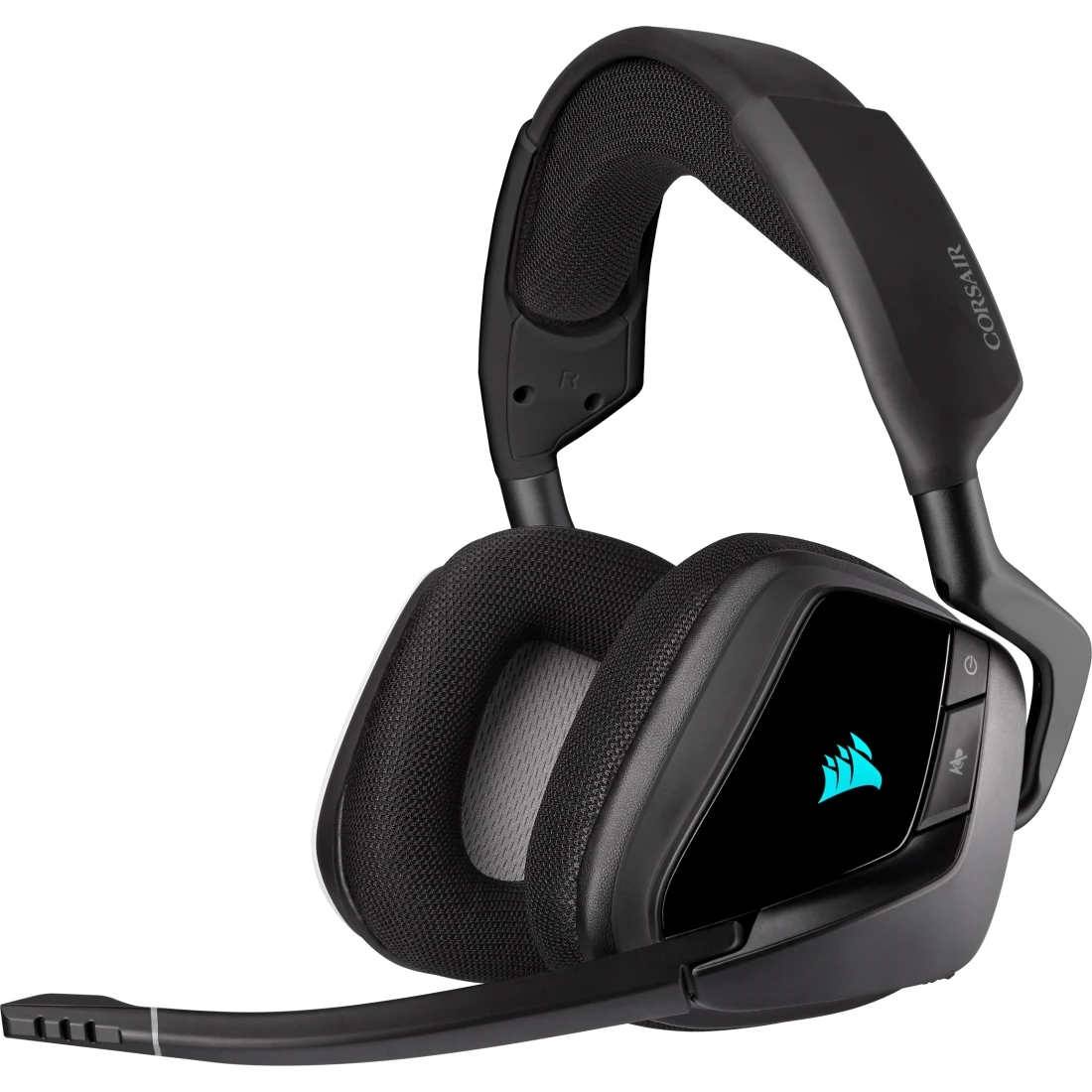
Void RGB Elite Wireless
Wireless gaming headset with 7.1 surround sound and RGB lighting.
- 7.1 surround sound
- Up to 16 hours battery
- RGB lighting on ear cups
- Discord certified
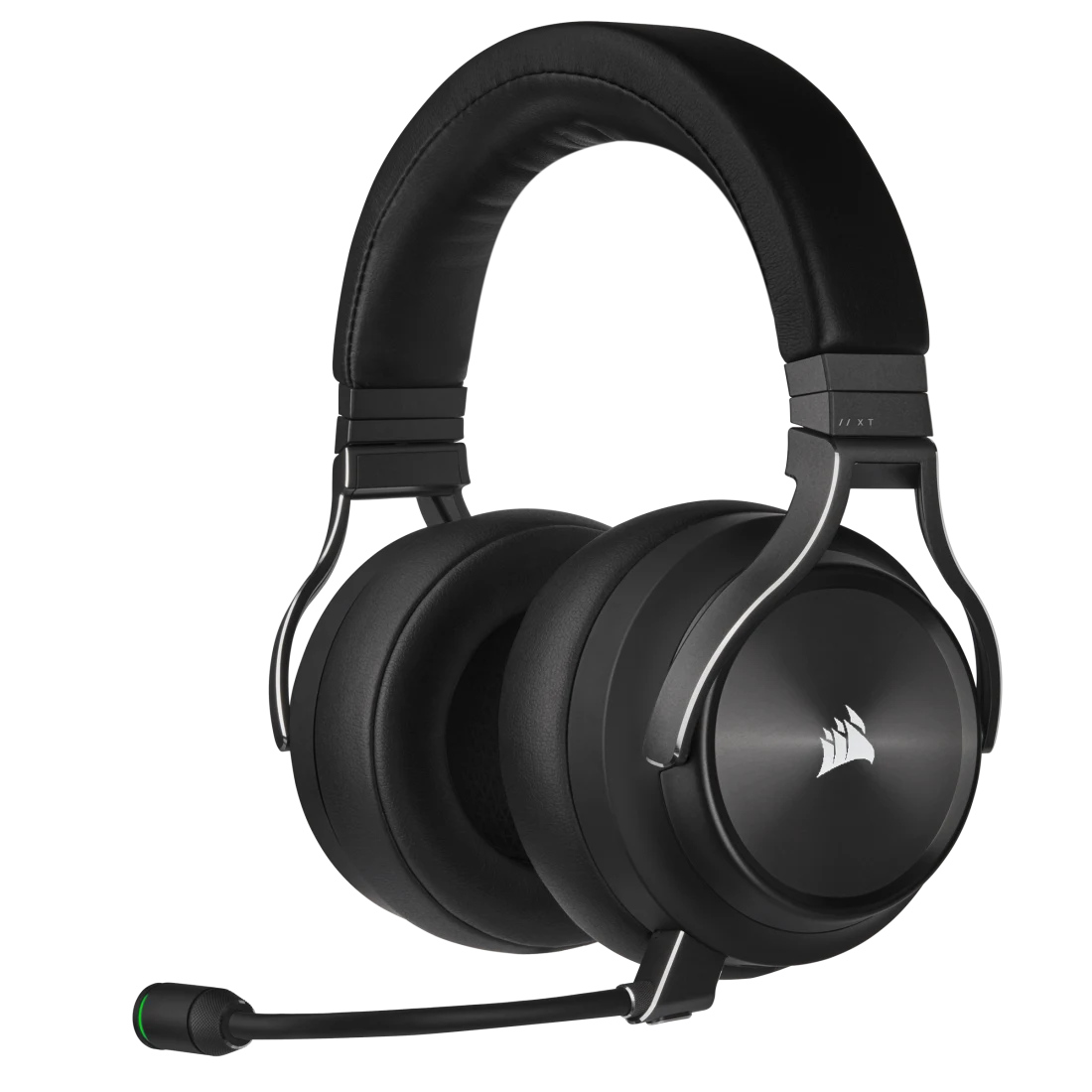
Virtuoso RGB Wireless XT
Hi-Fi gaming headset with Dolby Atmos and broadcast-grade mic.
- Dolby Atmos support
- Hi-Res Audio certified
- Detachable broadcast mic
- RGB lighting
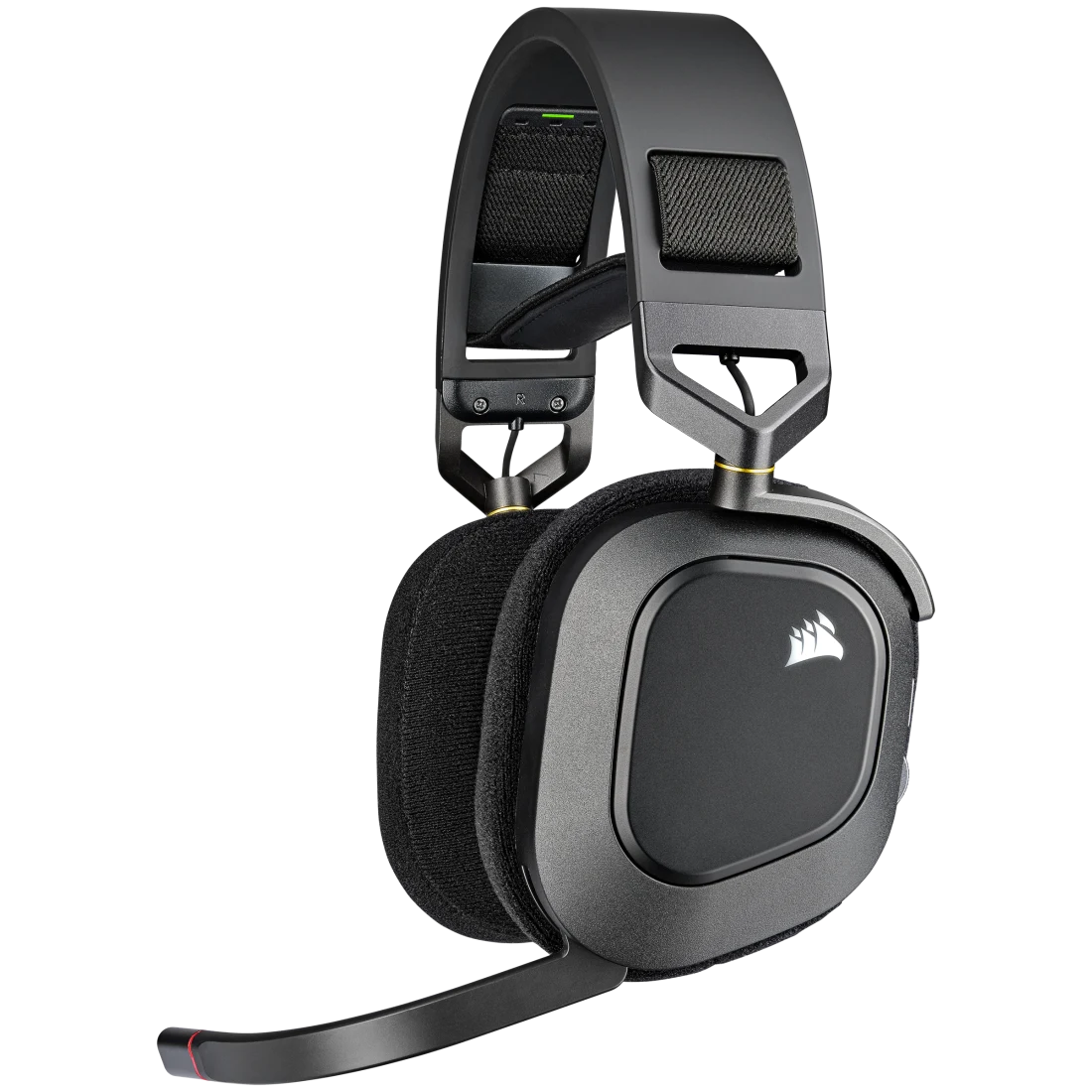
HS80 RGB Wireless
Dolby Atmos headset with SoundID personalization.
- Dolby Atmos audio
- SoundID personalization
- Up to 20 hours battery
- RGB ear cup lighting
FaustBot Integration
Control RGB lighting on Corsair headsets to sync with stream events. Great for visual feedback during alerts and notifications.
Actions
- Set Ear Cup Color Change RGB color on headset ear cups
- Apply Lighting Effect Apply breathing, pulse, or static effects
- Set Brightness Adjust headset RGB brightness
Example Use Cases
# Sync headset RGB with stream alerts
def Execute():
    alertType = CPH.GetArg("alertType")
    if alertType == "donation":
        CPH.CorsairSetHeadsetColor("#00FF00")
    elif alertType == "subscription":
        CPH.CorsairSetHeadsetColor("#9146FF")
    return True
RGB Fans & Cooling
RGB cooling solutions for stunning PC builds.
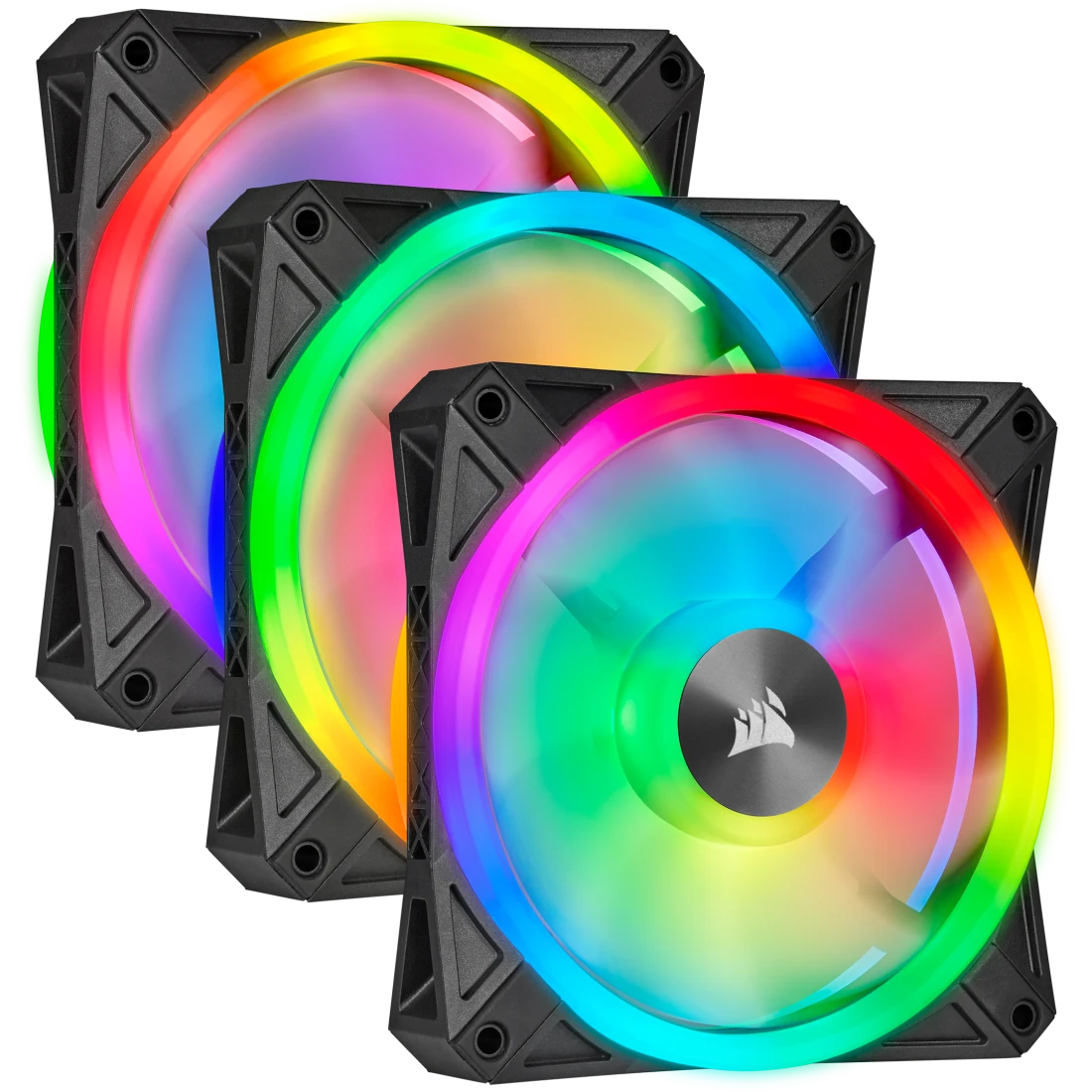
iCUE QL120 RGB Fans
Triple pack of 120mm fans with 34 individually addressable LEDs each.
- 34 RGB LEDs per fan
- PWM speed control
- Magnetic levitation
- Lighting Node CORE included

iCUE LL120 RGB Fans
Dual light loop RGB fans with 16 independent LEDs.
- 16 RGB LEDs per fan
- Dual light loop design
- PWM control
- Hydraulic bearing

iCUE H150i Elite Capellix
Premium 360mm AIO liquid cooler with CAPELLIX RGB.
- 360mm radiator
- 33 CAPELLIX LEDs per pump
- ML120 RGB fans included
- Zero RPM mode
FaustBot Integration
Transform your PC into a reactive light show. Control RGB fans and AIO coolers to respond to stream events, creating an immersive experience for camera setups.
Actions
- Set Fan Color Change RGB color on individual or all fans
- Set AIO Color Control AIO pump head RGB lighting
- Apply Effect Apply rainbow spiral, wave, or breathing effects
- Set Fan Speed Adjust fan RPM for quiet or performance modes
Example Use Cases
# React to raid with system-wide RGB effect
def Execute():
    raiders = CPH.GetArg("raiders")
    if raiders >= 50:
        CPH.CorsairSetFanColor("all", "#FF4500")
        CPH.CorsairSetAIOColor("#FF4500")
        CPH.CorsairCreateEffect("rainbow", 10000)
    return True
RGB Memory
High-performance DDR memory with dynamic RGB lighting.
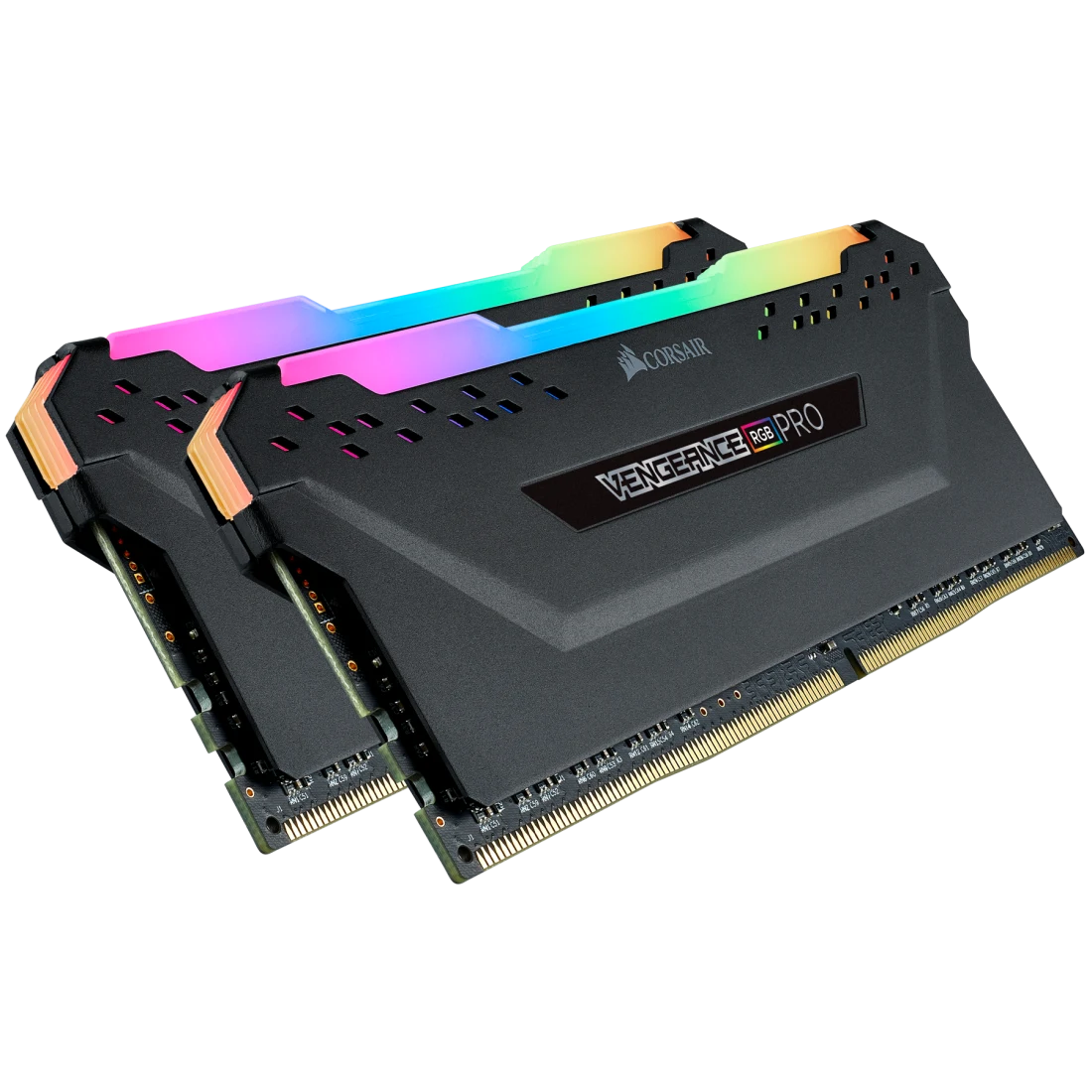
Vengeance RGB Pro
High-performance DDR4 memory with dynamic multi-zone RGB.
- 10 ultra-bright RGB LEDs
- Custom XMP profiles
- Tight timings available
- Wide compatibility

Dominator Platinum RGB
Premium DDR4/DDR5 memory with Capellix LED technology.
- 12 CAPELLIX LEDs
- DHX cooling technology
- Aluminum heat spreader
- iCUE integration

Vengeance RGB DDR5
Next-gen DDR5 memory with onboard voltage regulation.
- DDR5 performance
- Intel XMP 3.0
- Dynamic RGB lighting
- Compact design
FaustBot Integration
Add stunning RGB effects to your RAM modules. Sync memory lighting with other Corsair components for a unified look on camera.
Actions
- Set RAM Color Change RGB color on memory modules
- Apply Effect Apply wave, rainbow, or breathing effects
- Set Brightness Adjust RAM LED brightness
Example Use Cases
# Sync RAM RGB with subscriber alerts
def Execute():
    tier = CPH.GetArg("tier")
    colors = {"1000": "#9146FF", "2000": "#00FF00", "3000": "#FFD700"}
    CPH.CorsairSetRAMColor(colors.get(tier, "#FFFFFF"))
    CPH.CorsairCreateEffect("pulse", 3000)
    return True
Ready to Connect Your Corsair Gear?
FaustBot makes it easy to integrate all your Corsair iCUE hardware into powerful stream automations.